Module 3 Formstorming

Weekly Activity Template

Millicent Dayaram

Weekly formstorming and final design for Project 3


Project 3


Module 3

Exploring controlling shapes and sound using the Makey Makey and p5.js.

Activity 1
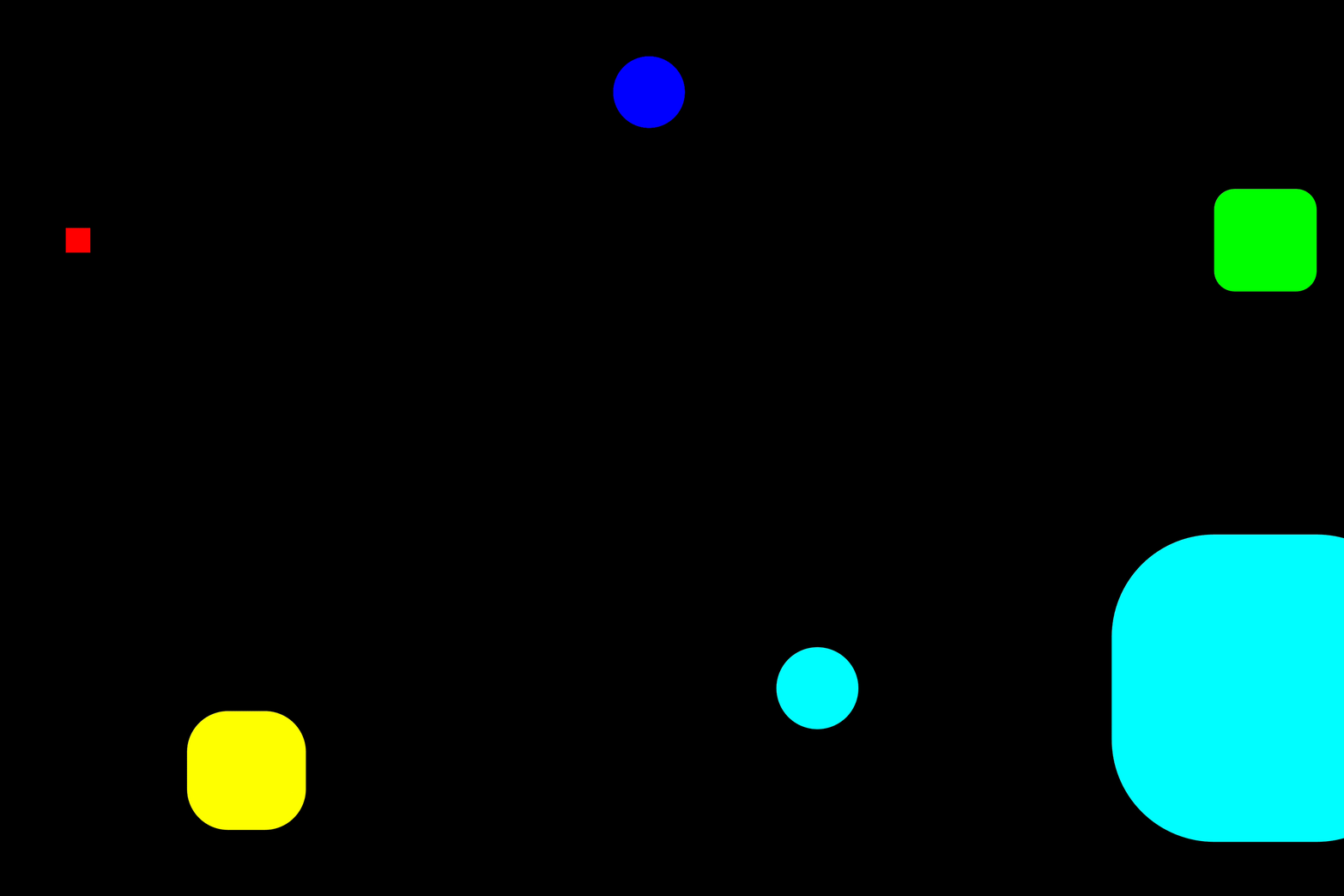
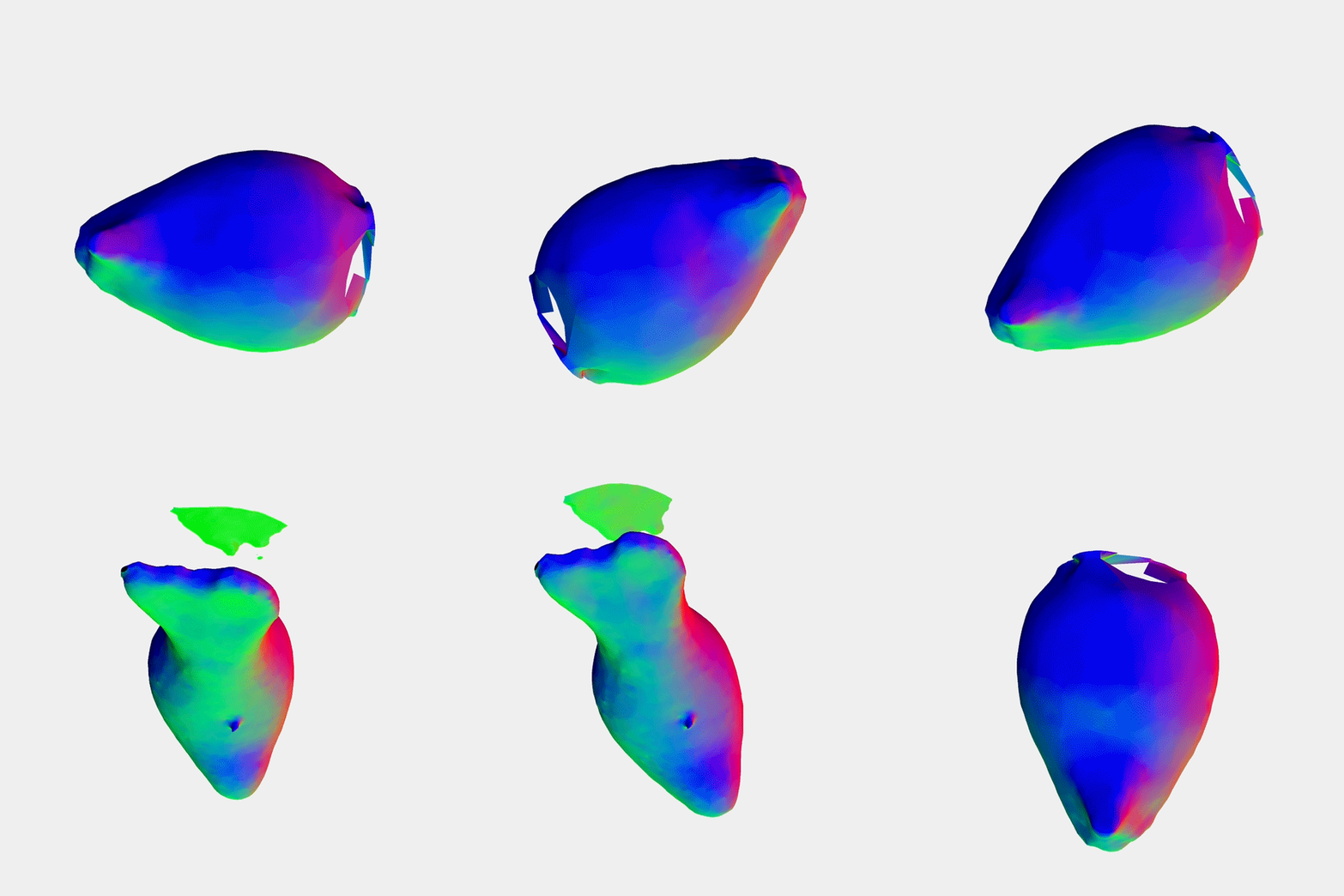
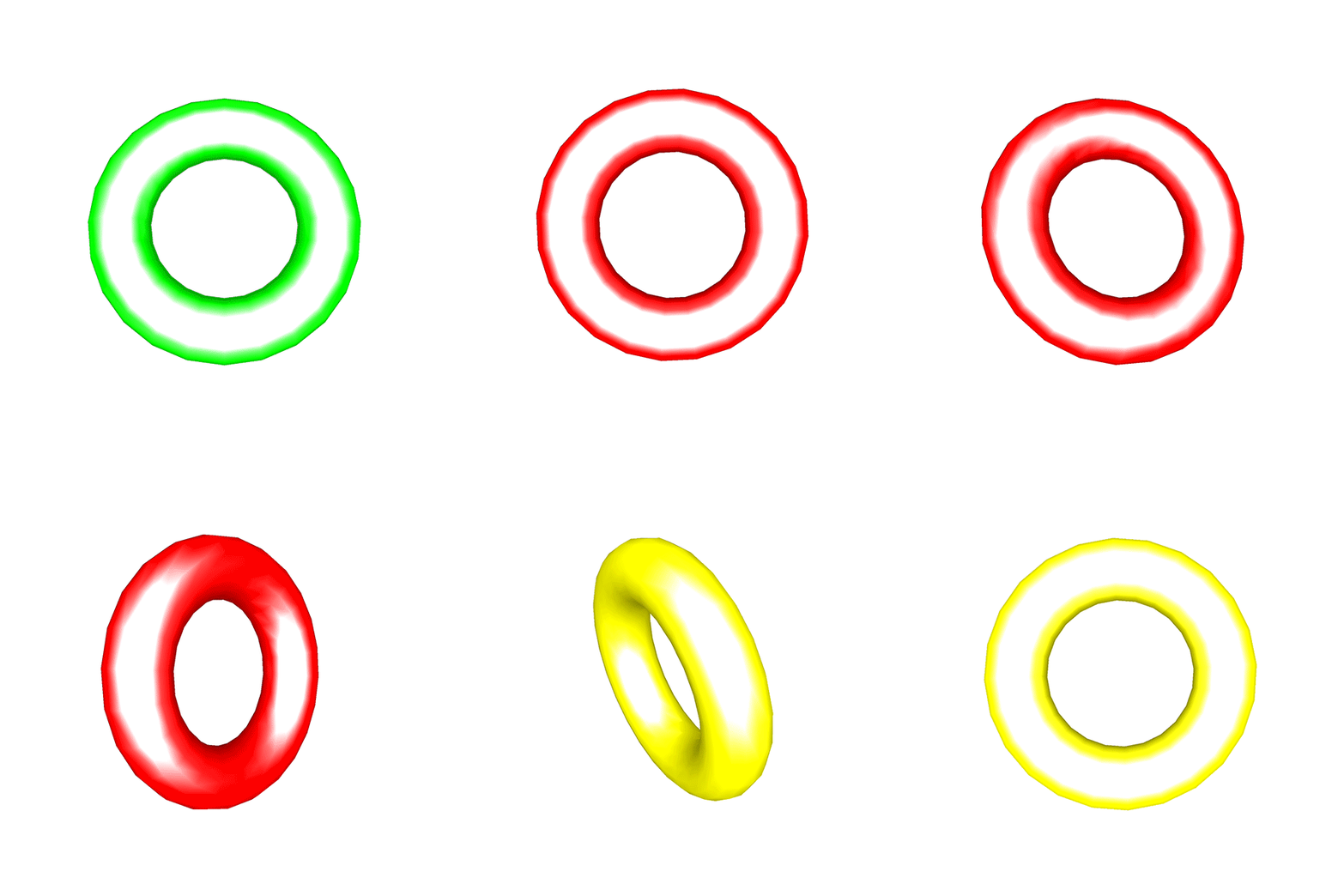
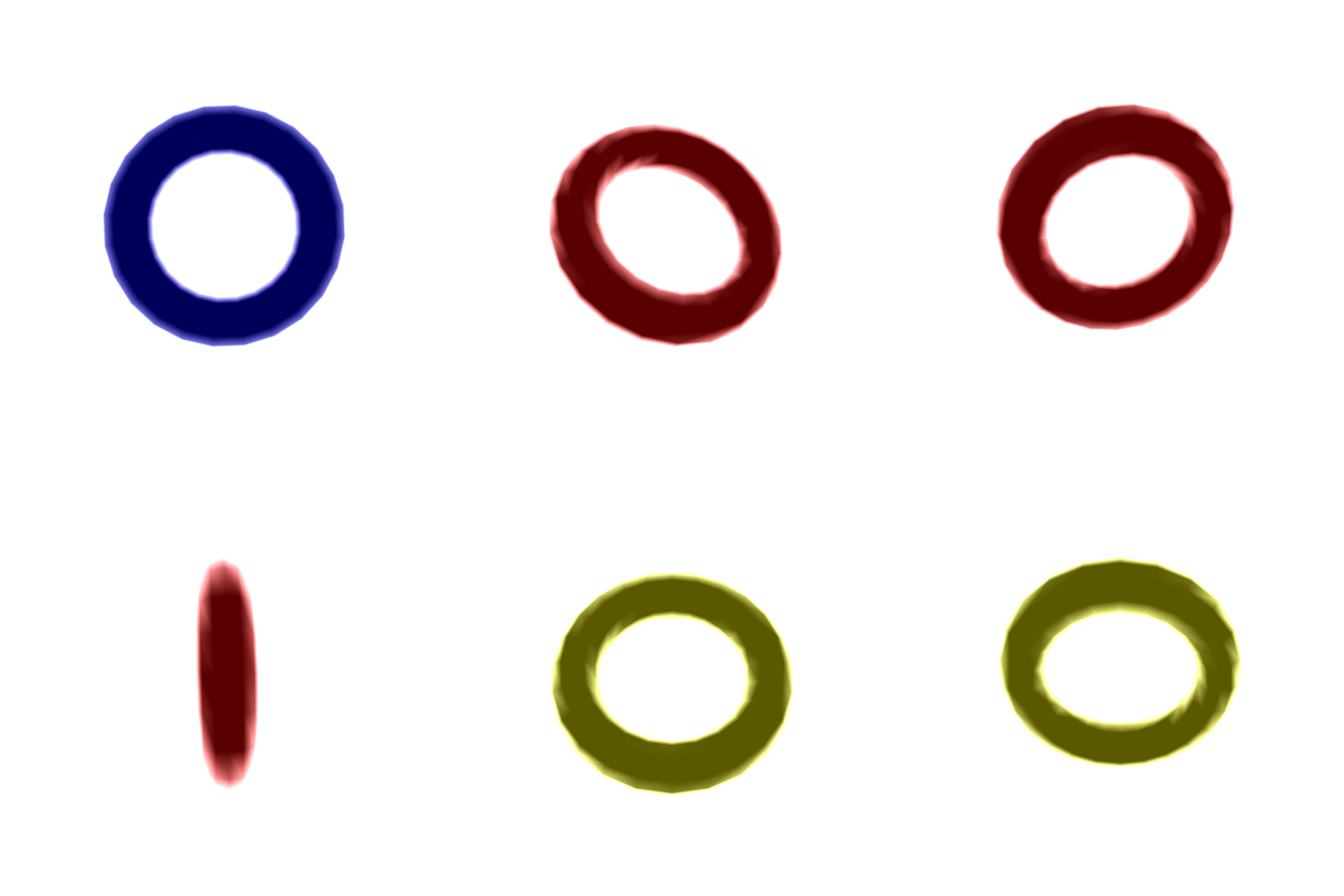
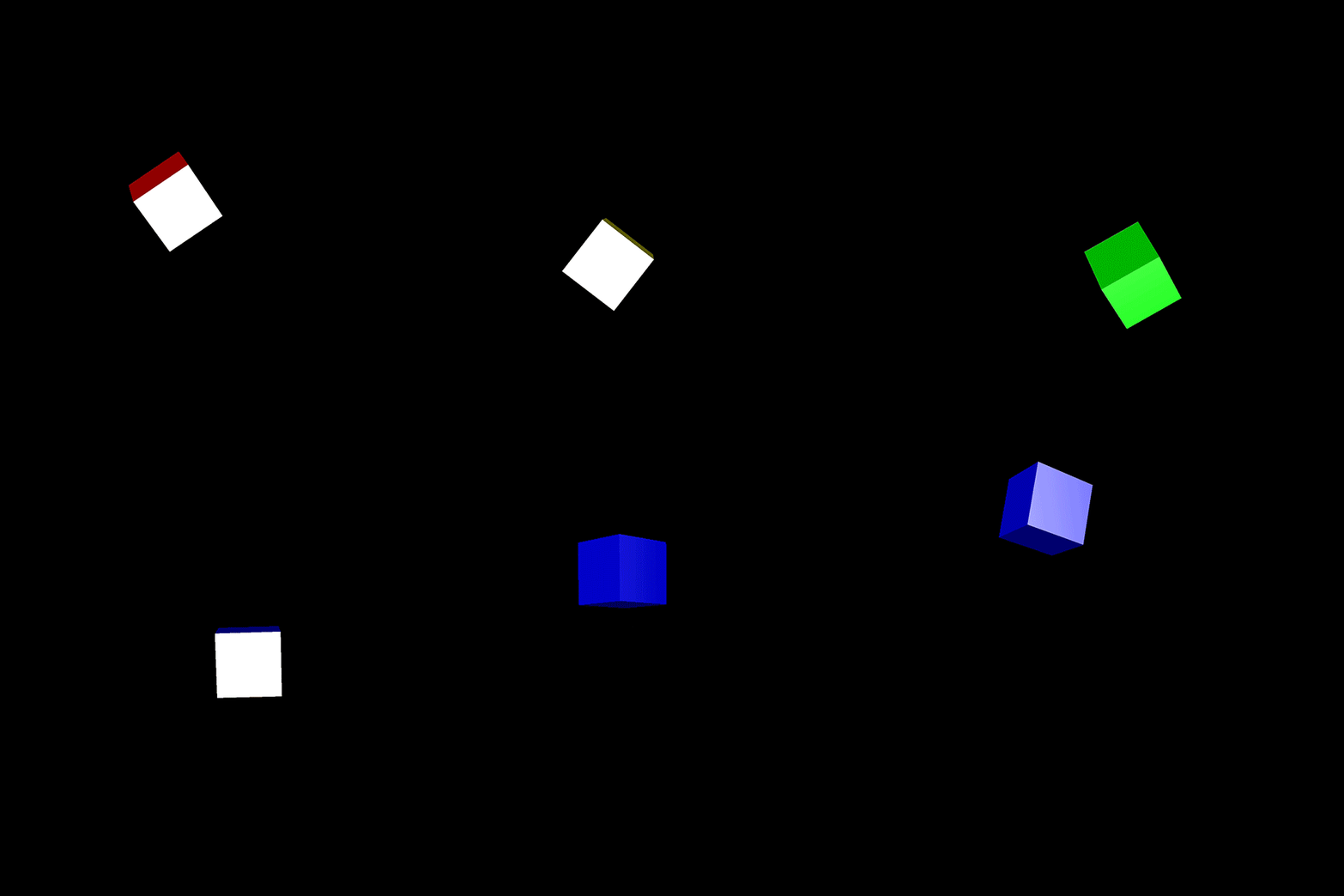
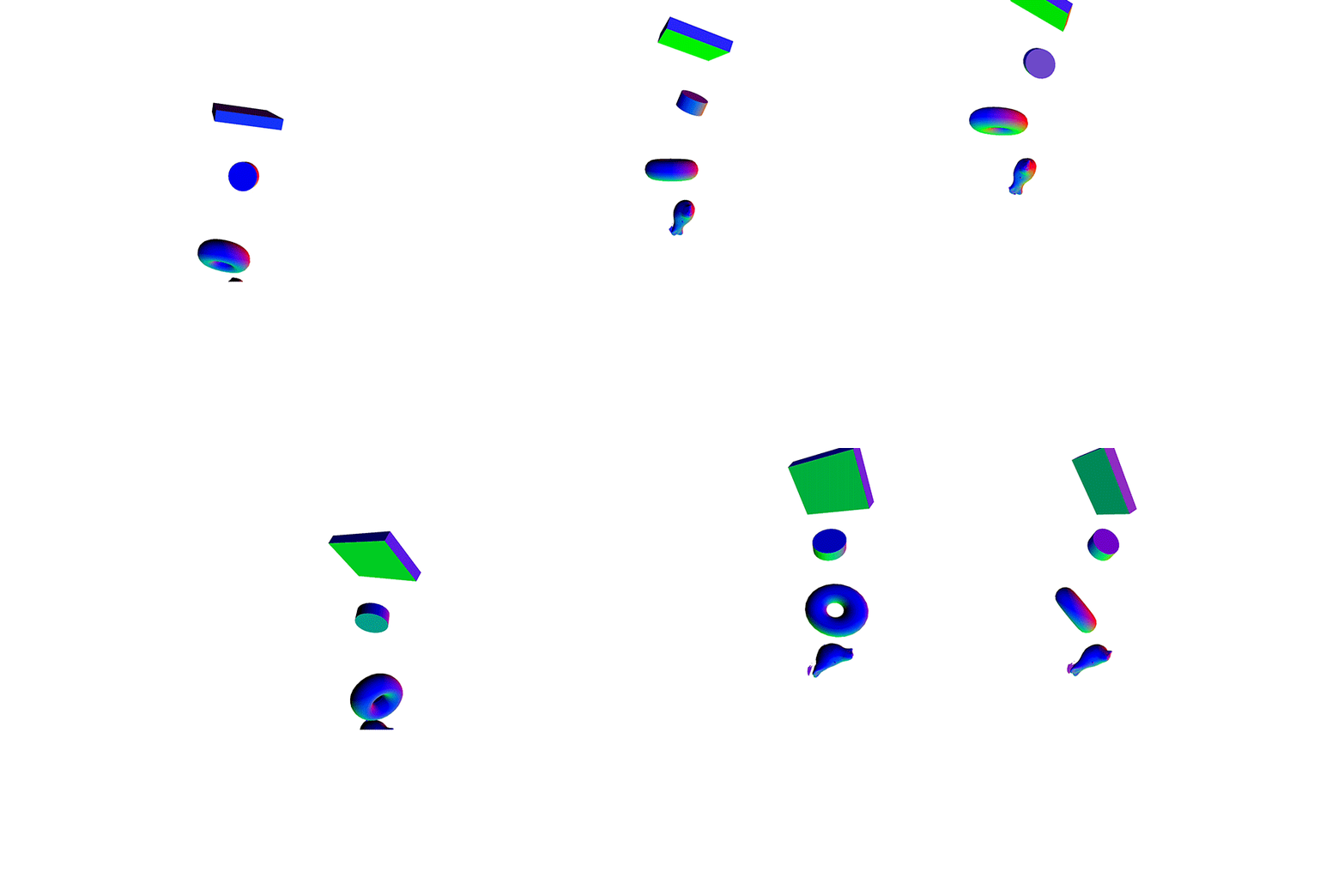
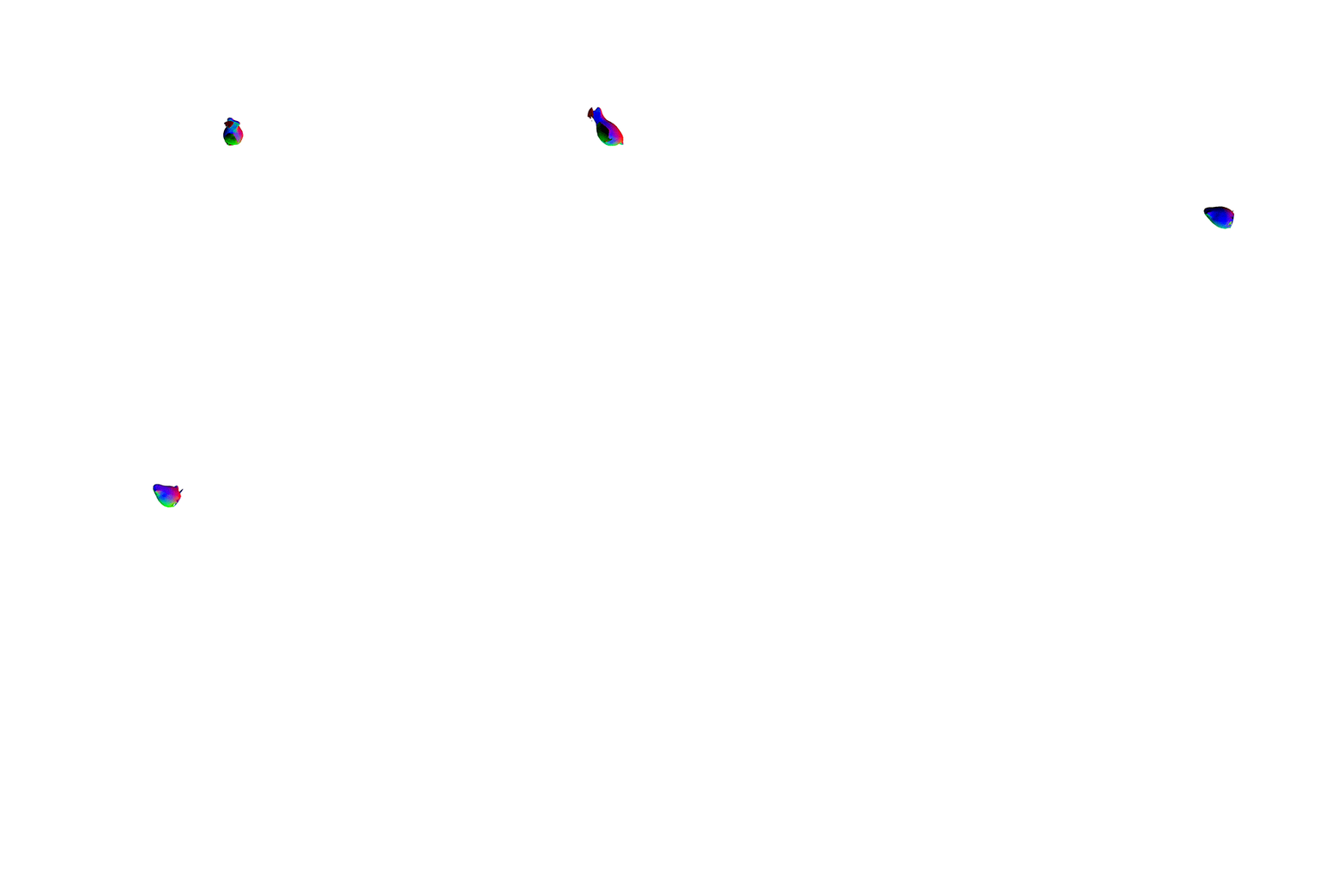
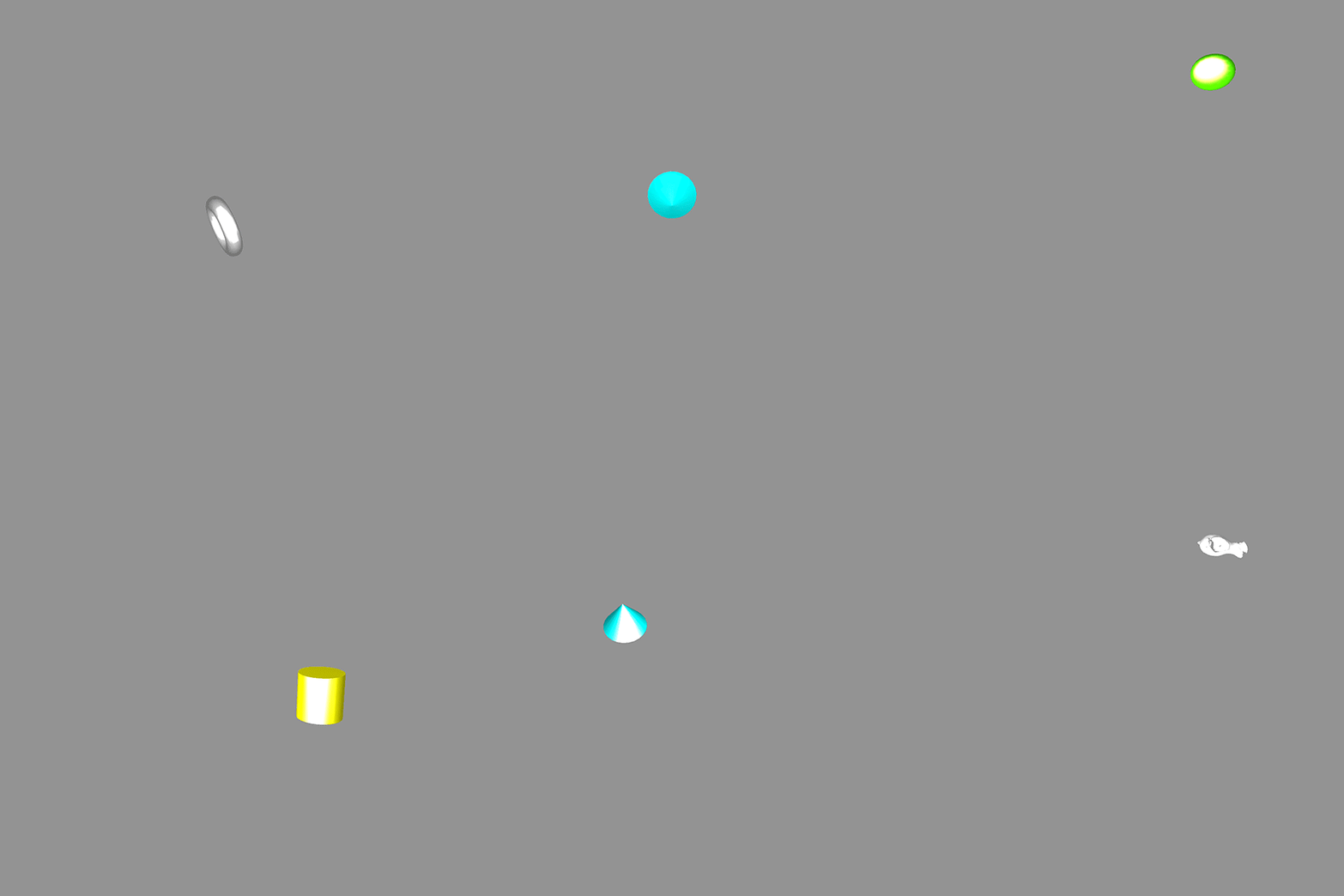
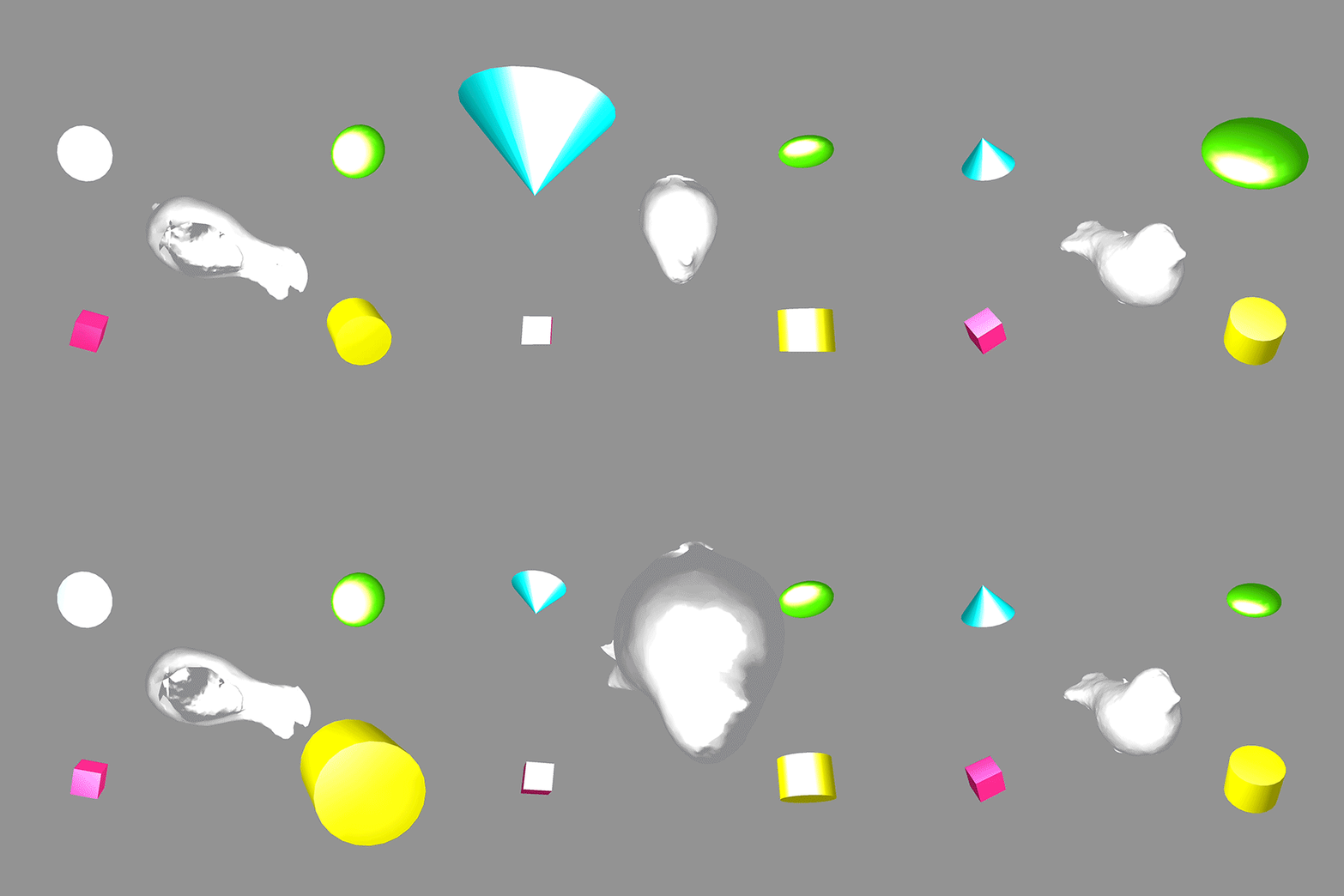
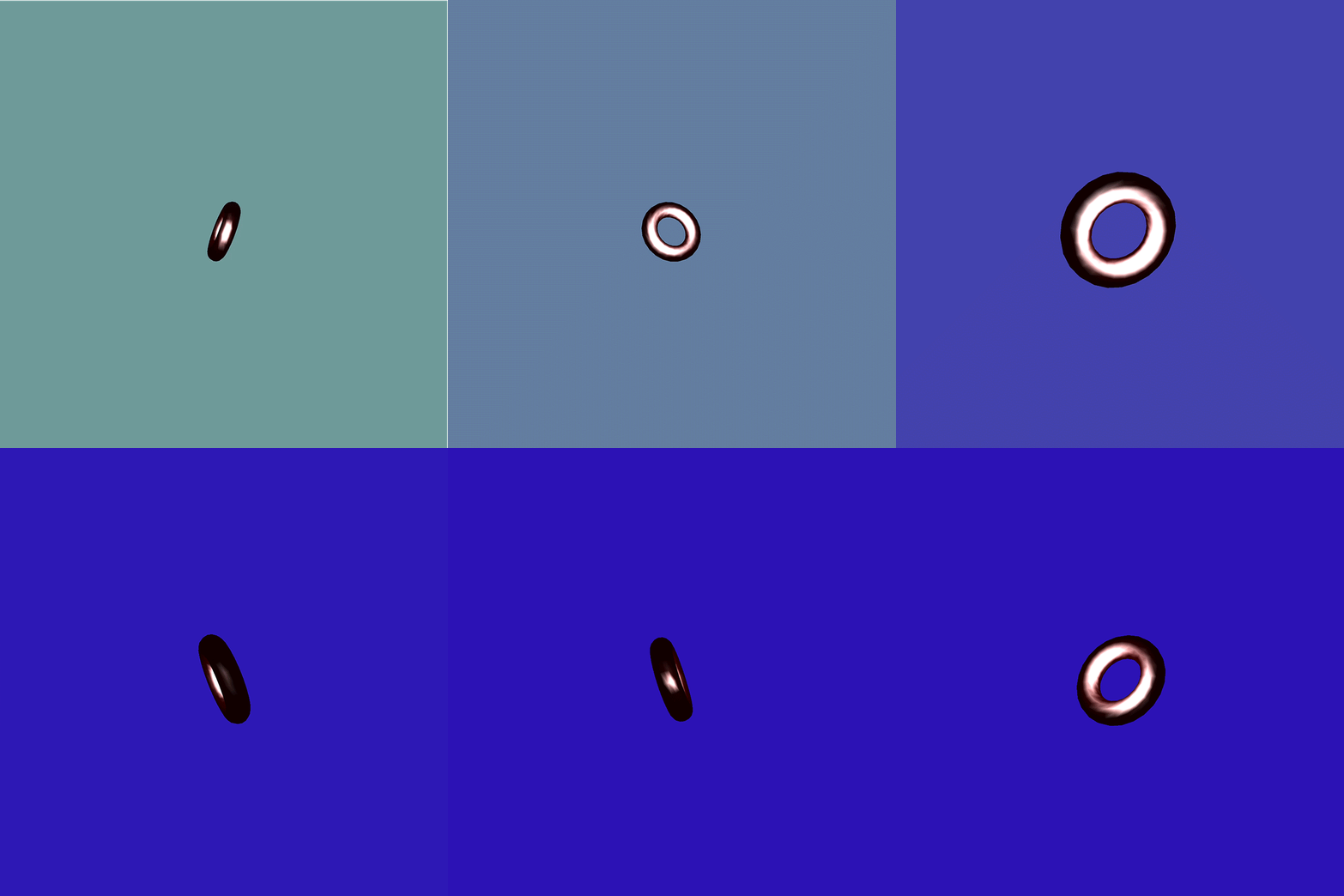
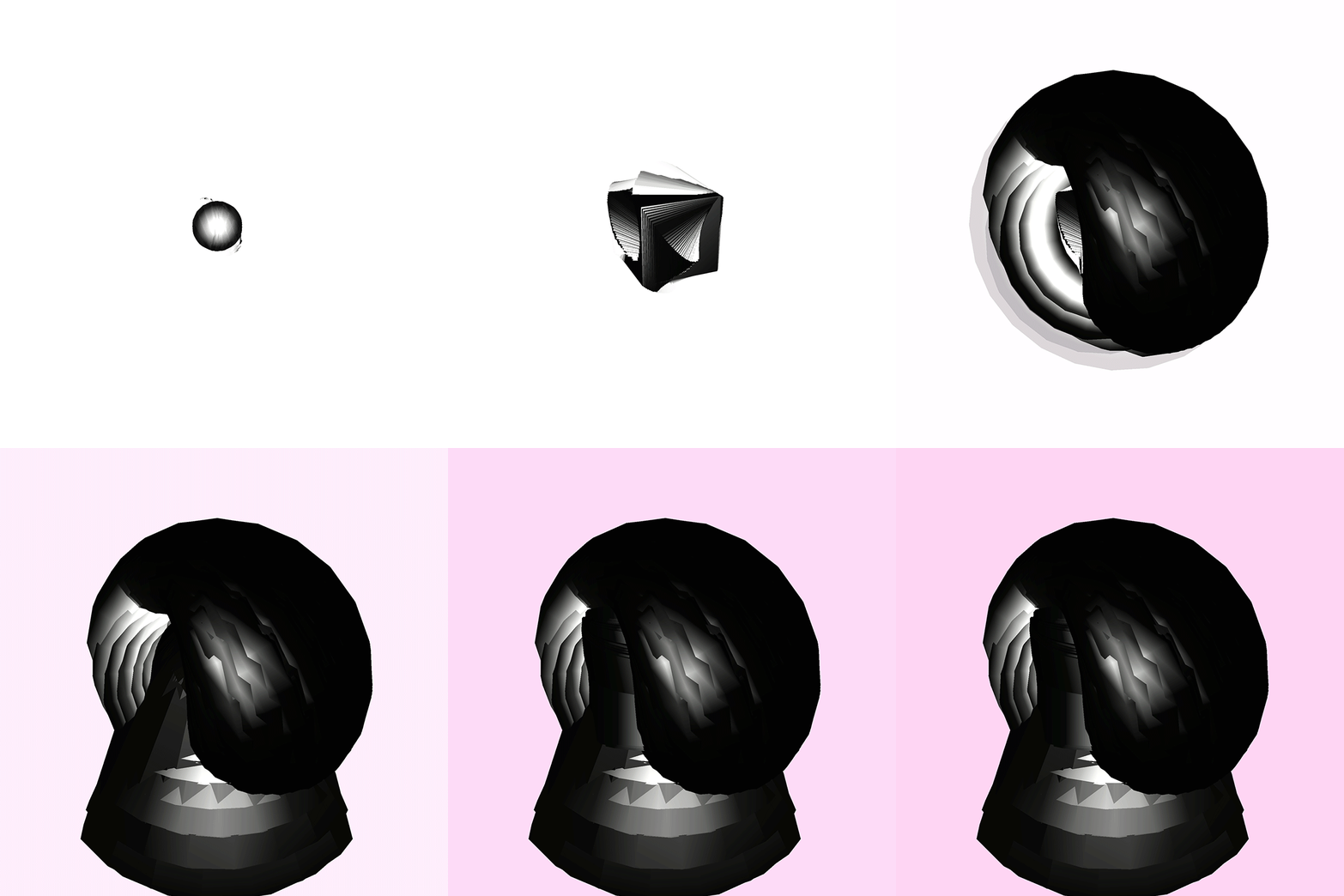
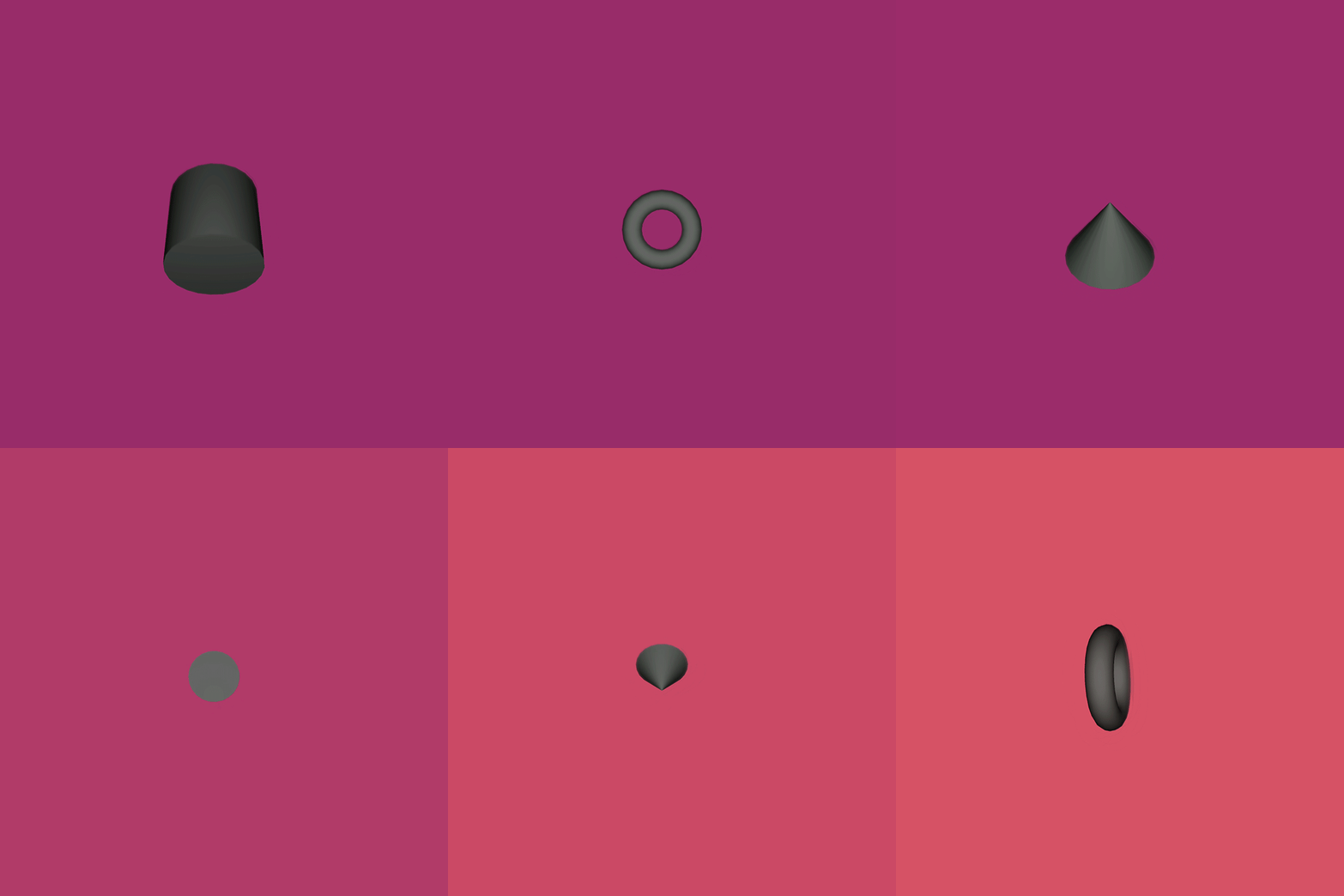
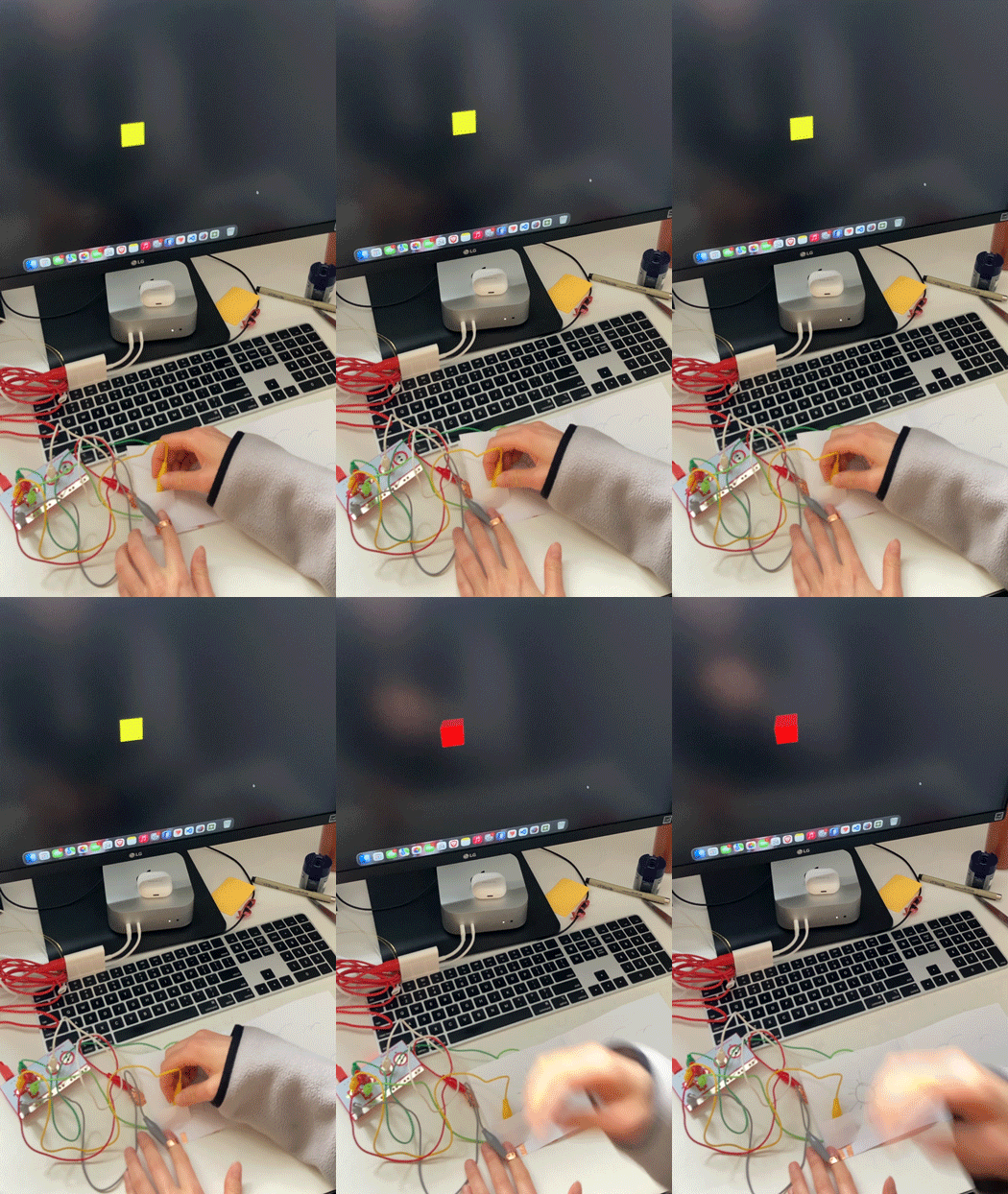
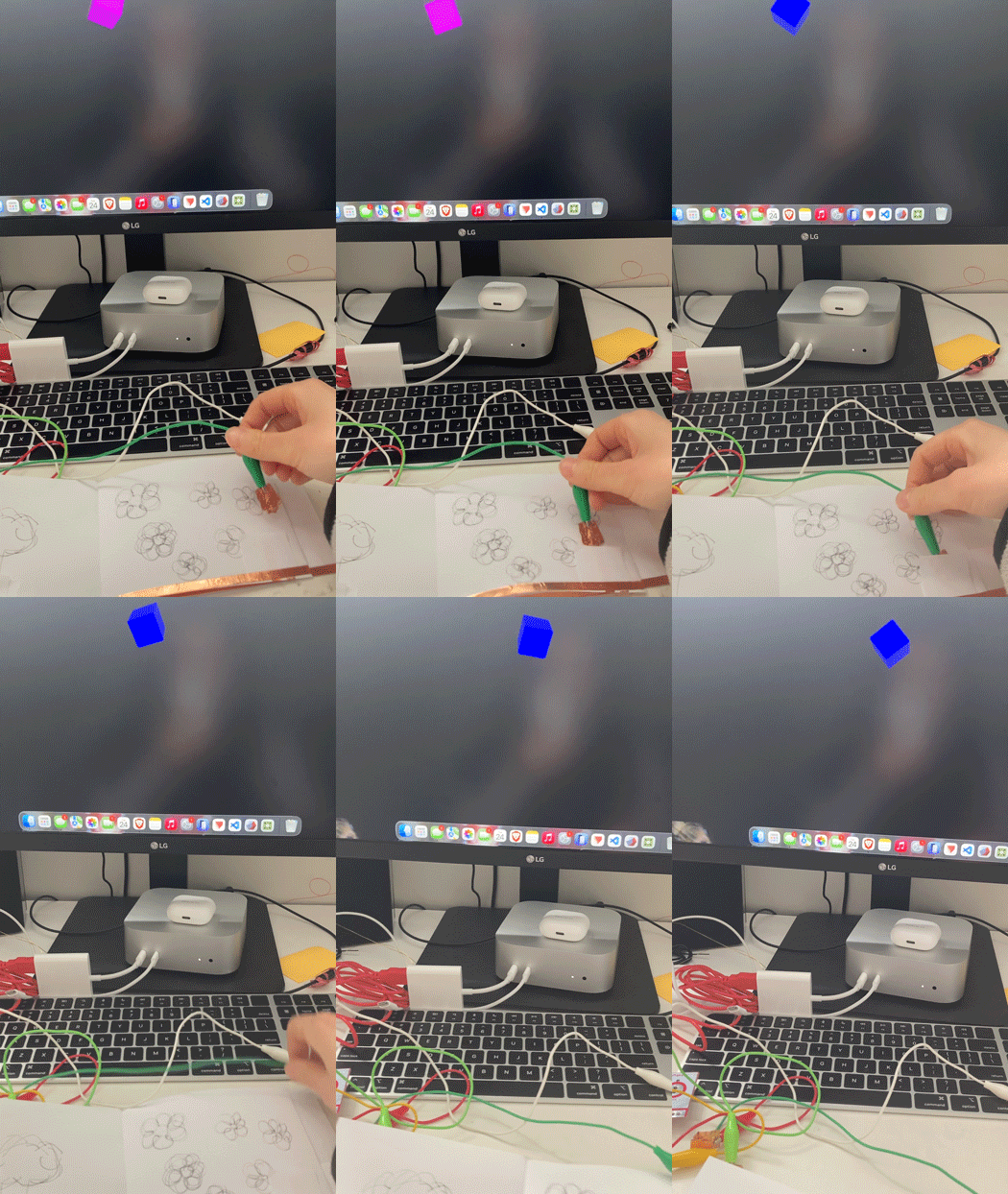
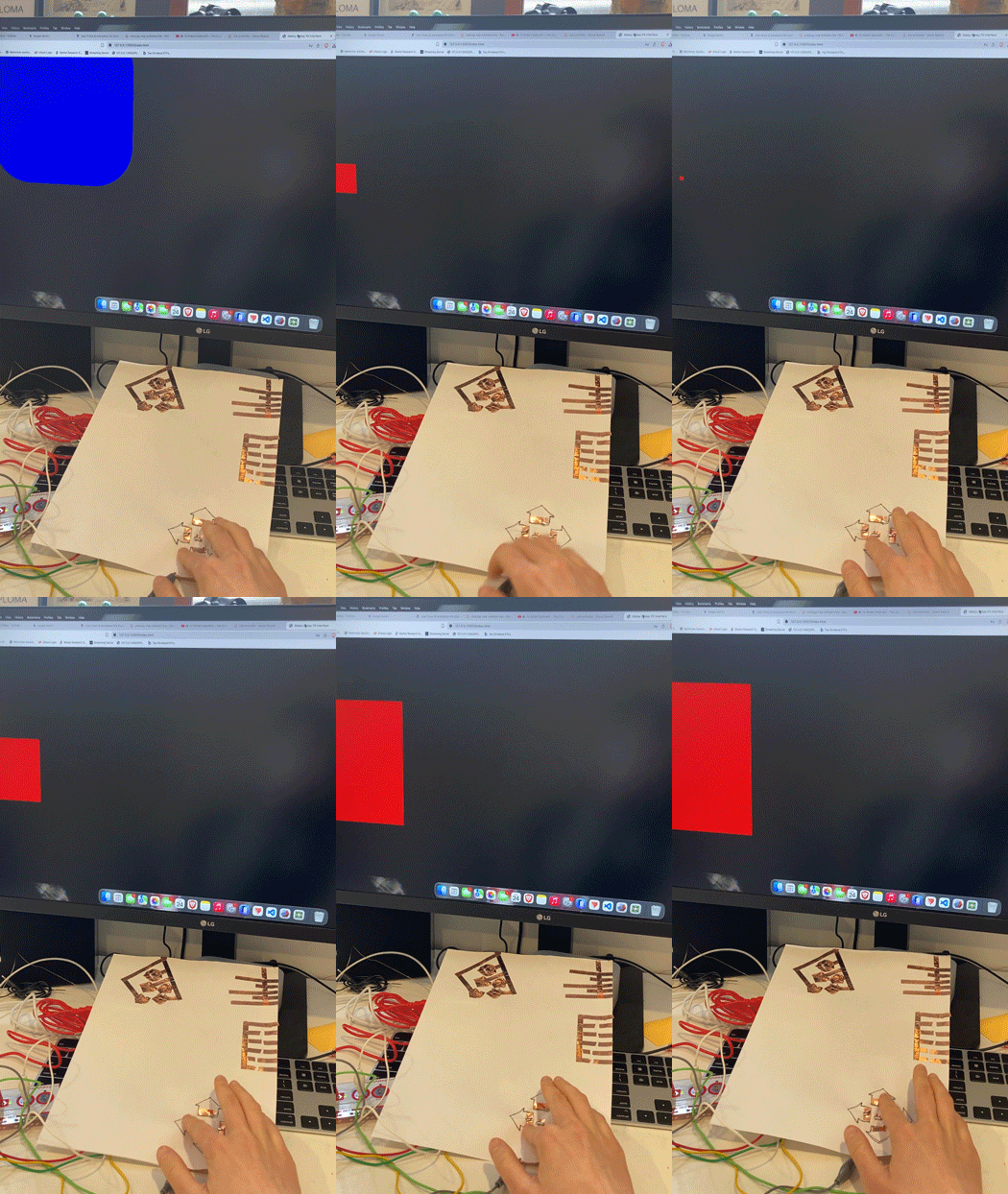
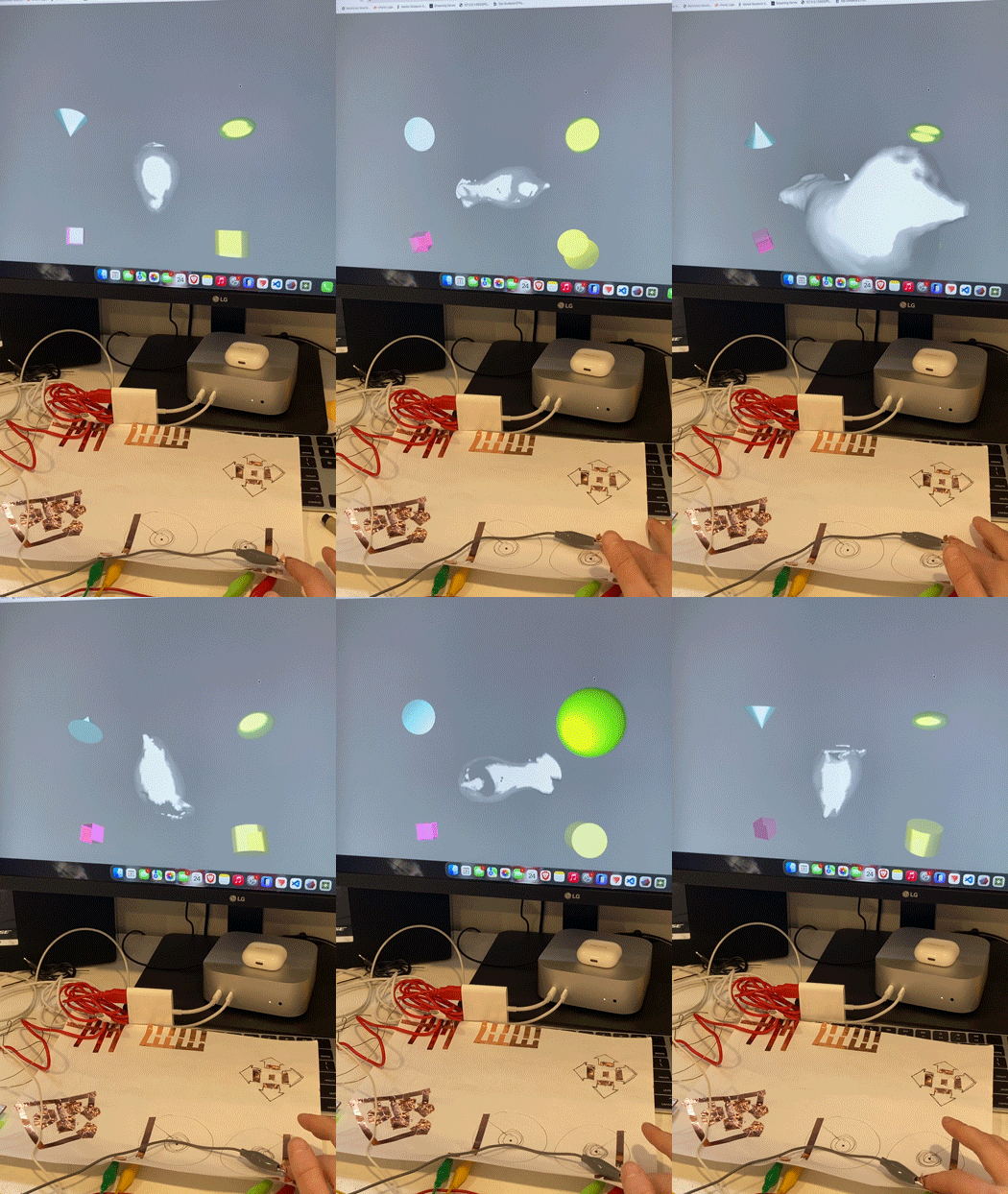
Using the first sketch file, the squares zoom in corresponding with key or space pressed. Each square has different corner roundness applied. Each square zooms out when a key is pressed. The squares are in the same place. The squares zoom out, but they are located on different parts of the page. The squares zoom in and take up the width and height of the screen. The squares are located on different positions on the page. The ellipse moves in the direction of the key each time the keyboard is tapped. It also changes colour depending on which direction it's moving in. The circle glides instead of moving statically. An echo/reverb effect placed on the movement. Pulsing effect with softness around the edges of the shape. I uploaded a bird model I scanned from the fall semester. It rotates in a different direction depending on which key is pressed. Using a torus that rotates and changes colour depending on which key is pressed. Exploring ambience and lighting. Changing torus out for a square, and having it rotate and move up depending on which key is pressed. Changing colour of the plane depending on which key is pressed. Changing colour of the plane and torus depending on which key is pressed. Exploring with adding multiple shapes to the canvas, that move and rotate together. Playing with speed with the bird.obj. Adding the echo effect to give the impression of speed. Combining sound and colour. The ellipse grows bigger depending on the amplitude. The shape changes colour and grows depending on the amplitude and which key is pressed. Switching out shapes when each key is pressed. Shapes move around the screen, depending on which key is pressed. All shapes appear on screen and grow bigger to match sound depending on which key is pressed. Torus and background change colour once screen has loaded. Adding an echo effect, however, layers stay and overlap each other. I wasn't intending for this effect, but kept it anyway, Trying to create an effect that makes the shape more fuzzy when it's farther away from the screen, creating visual depth, using p5.js Framebuffer Blur.

Activity 2
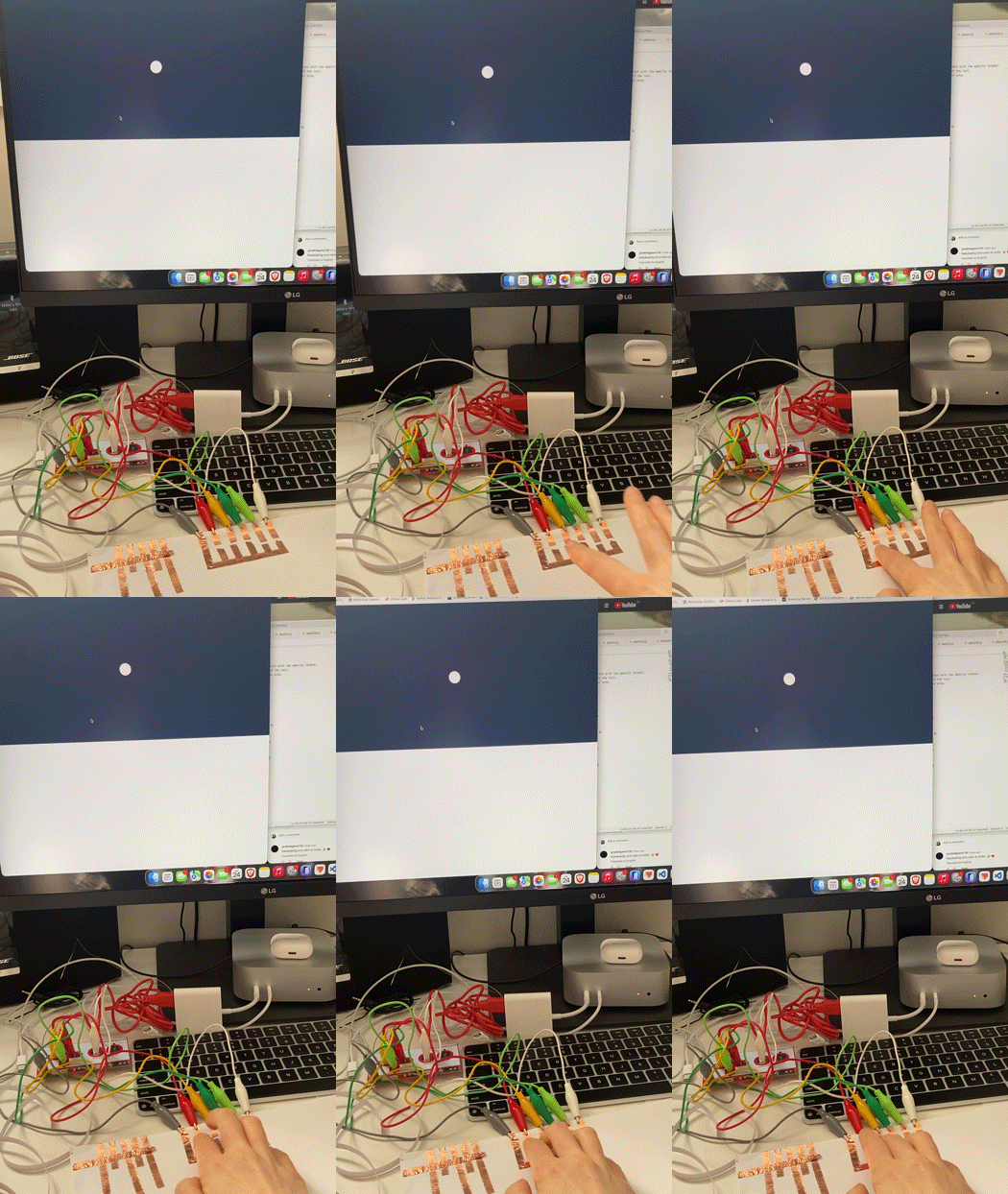
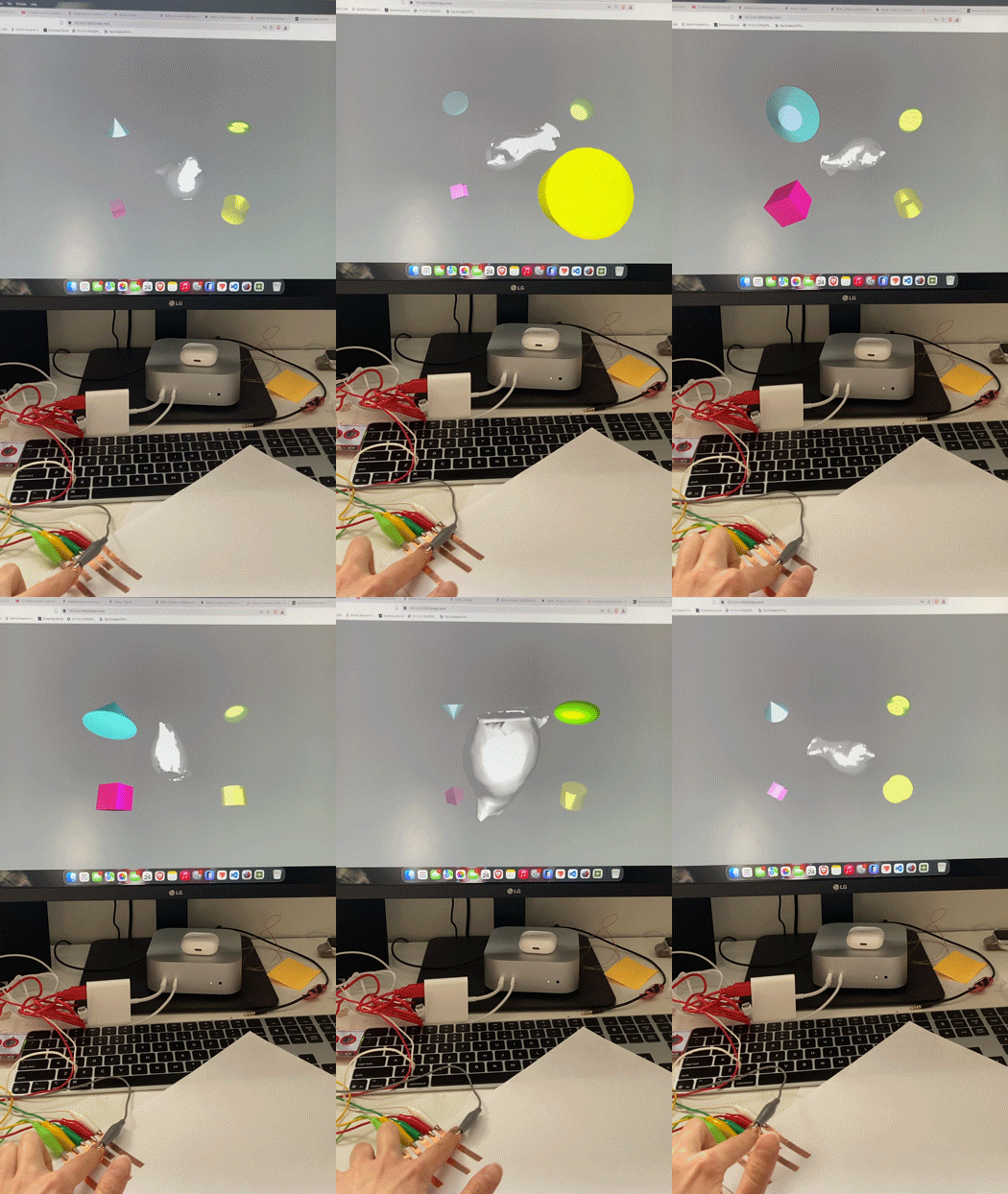
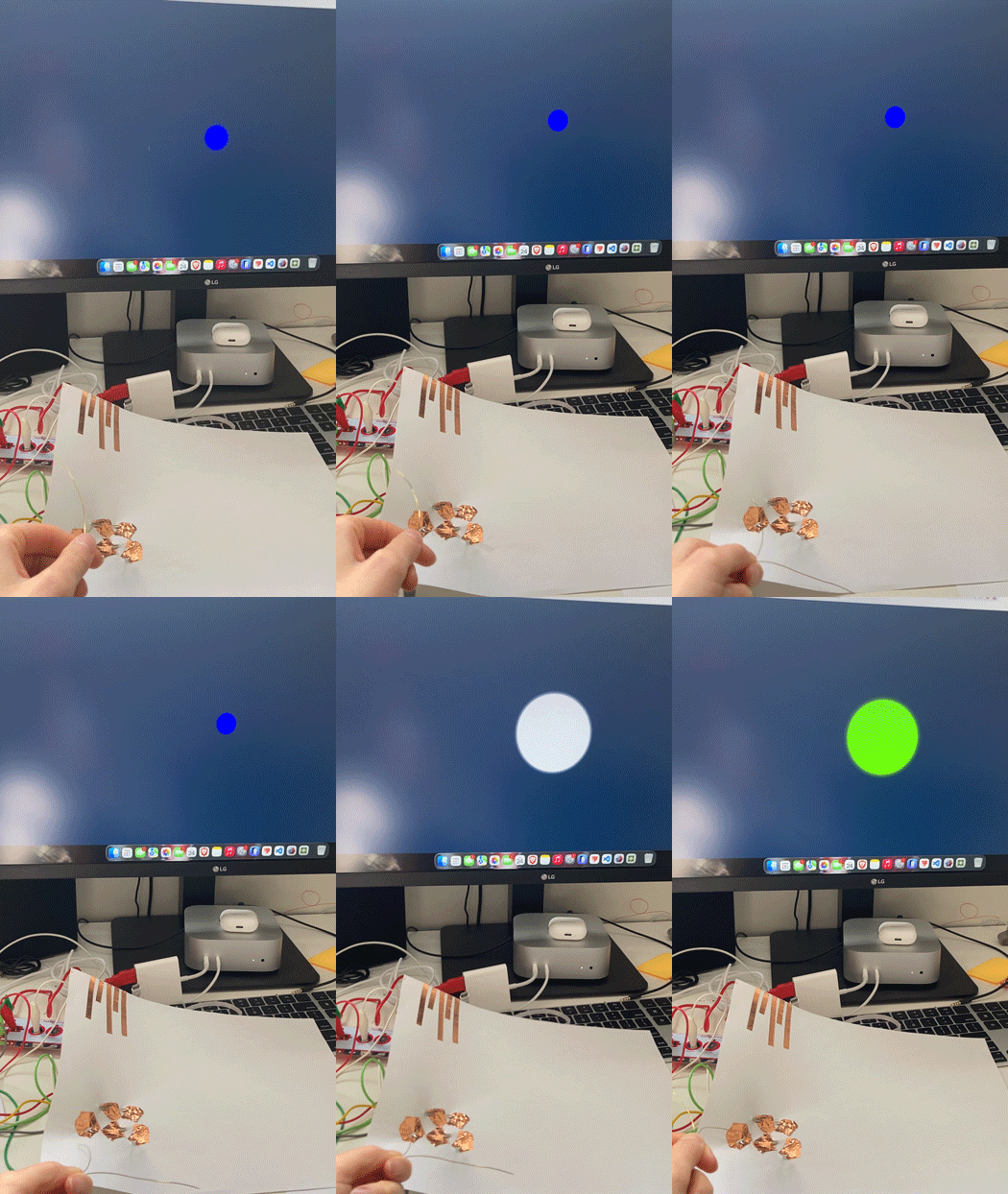
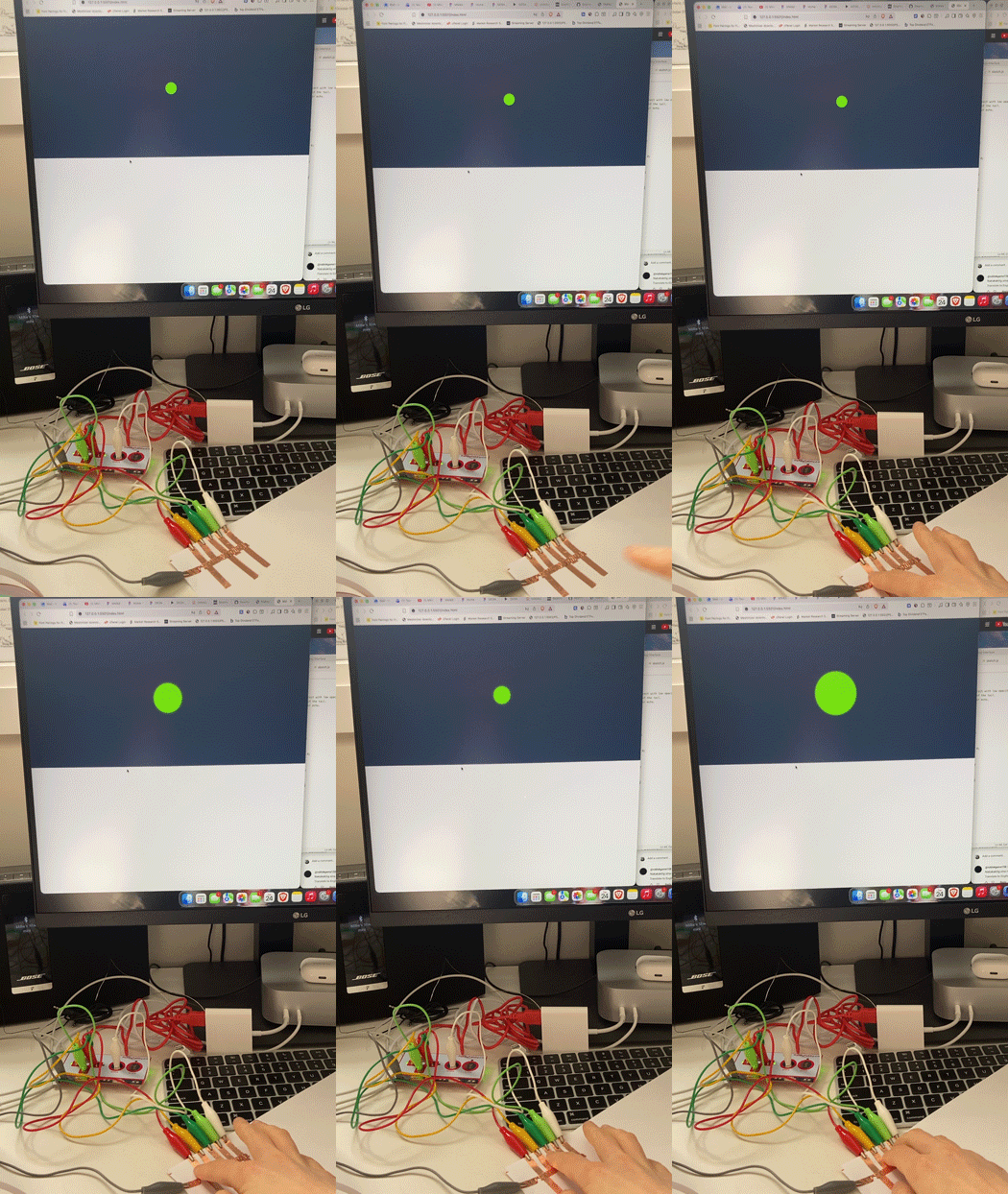
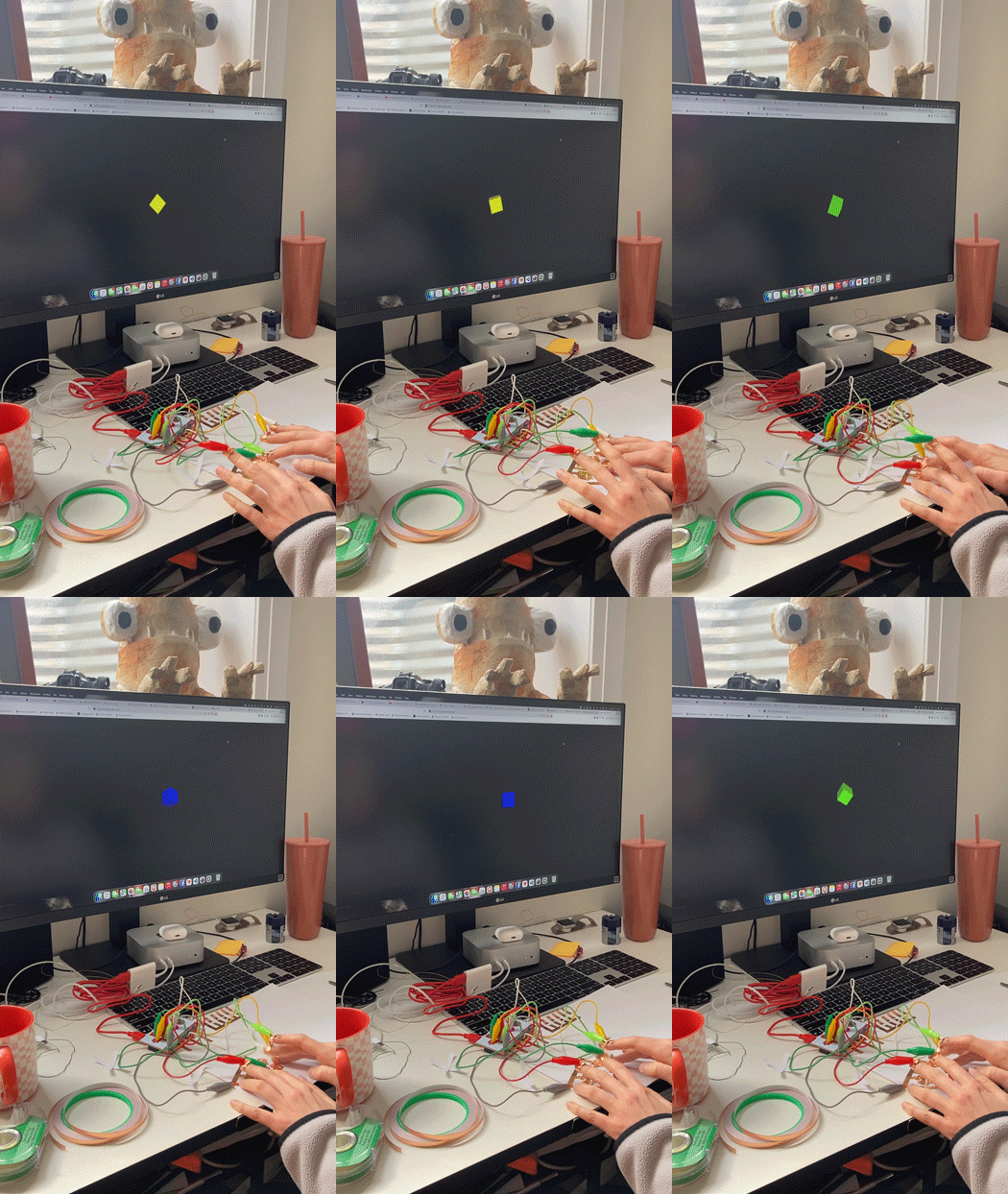
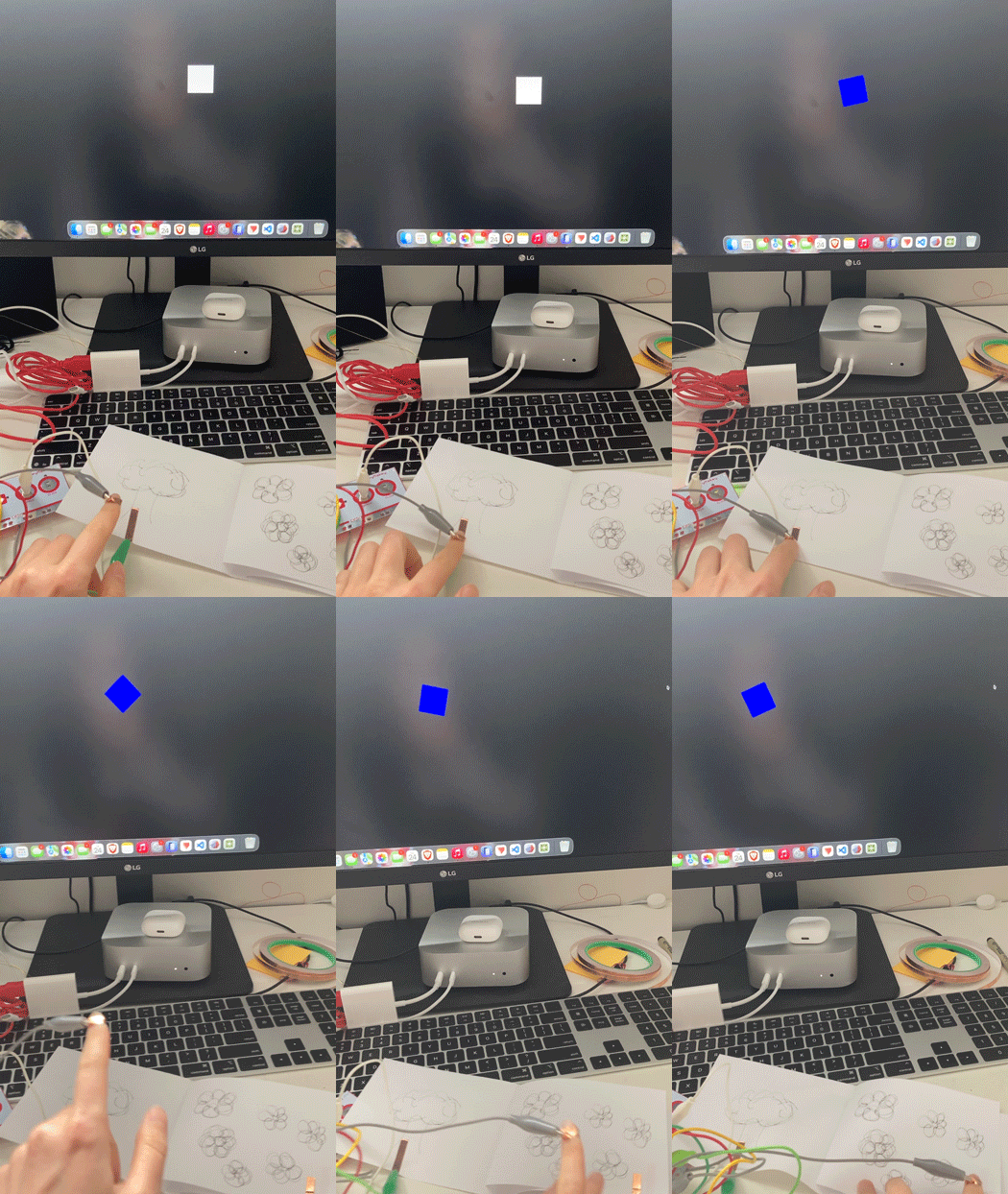
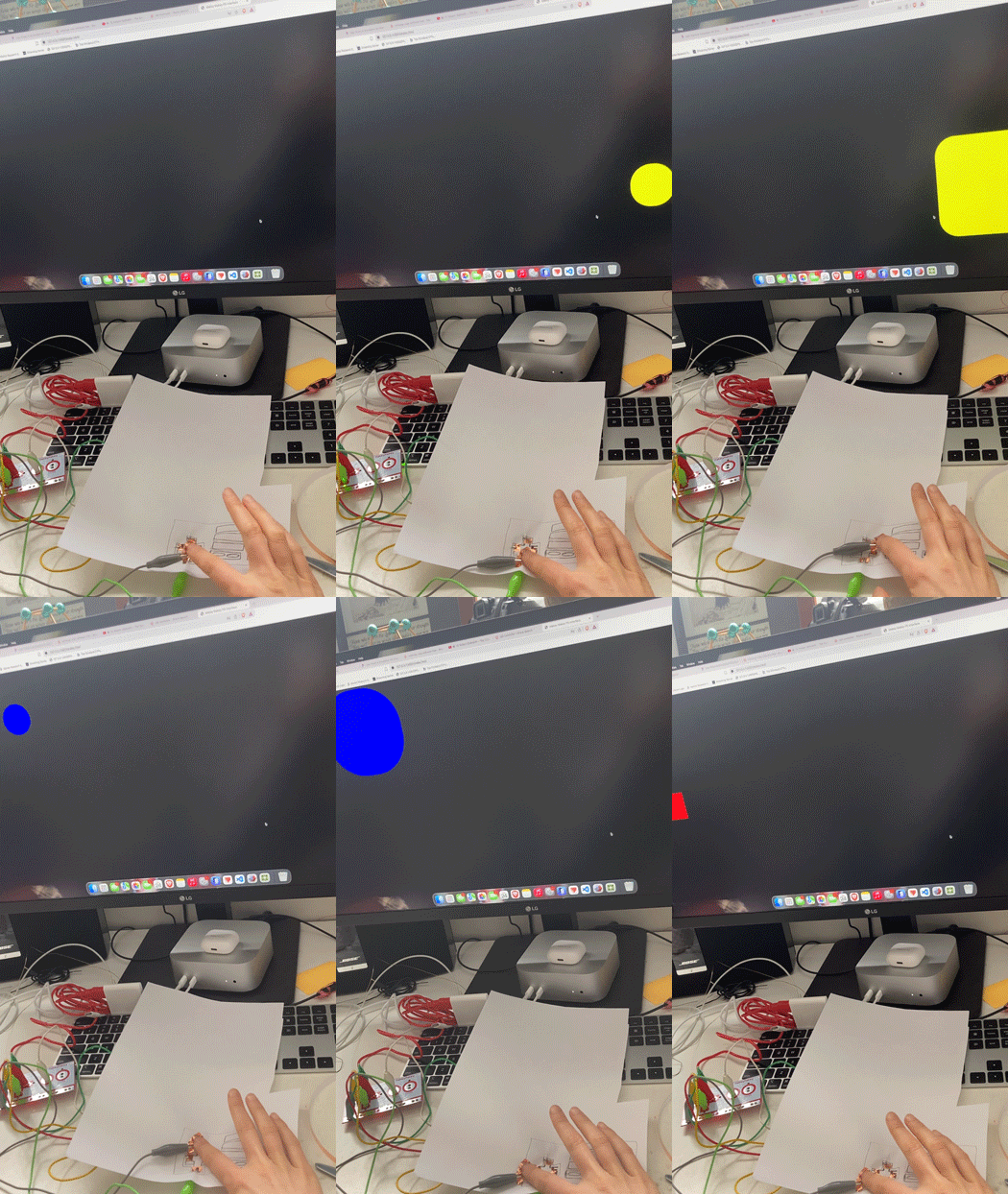
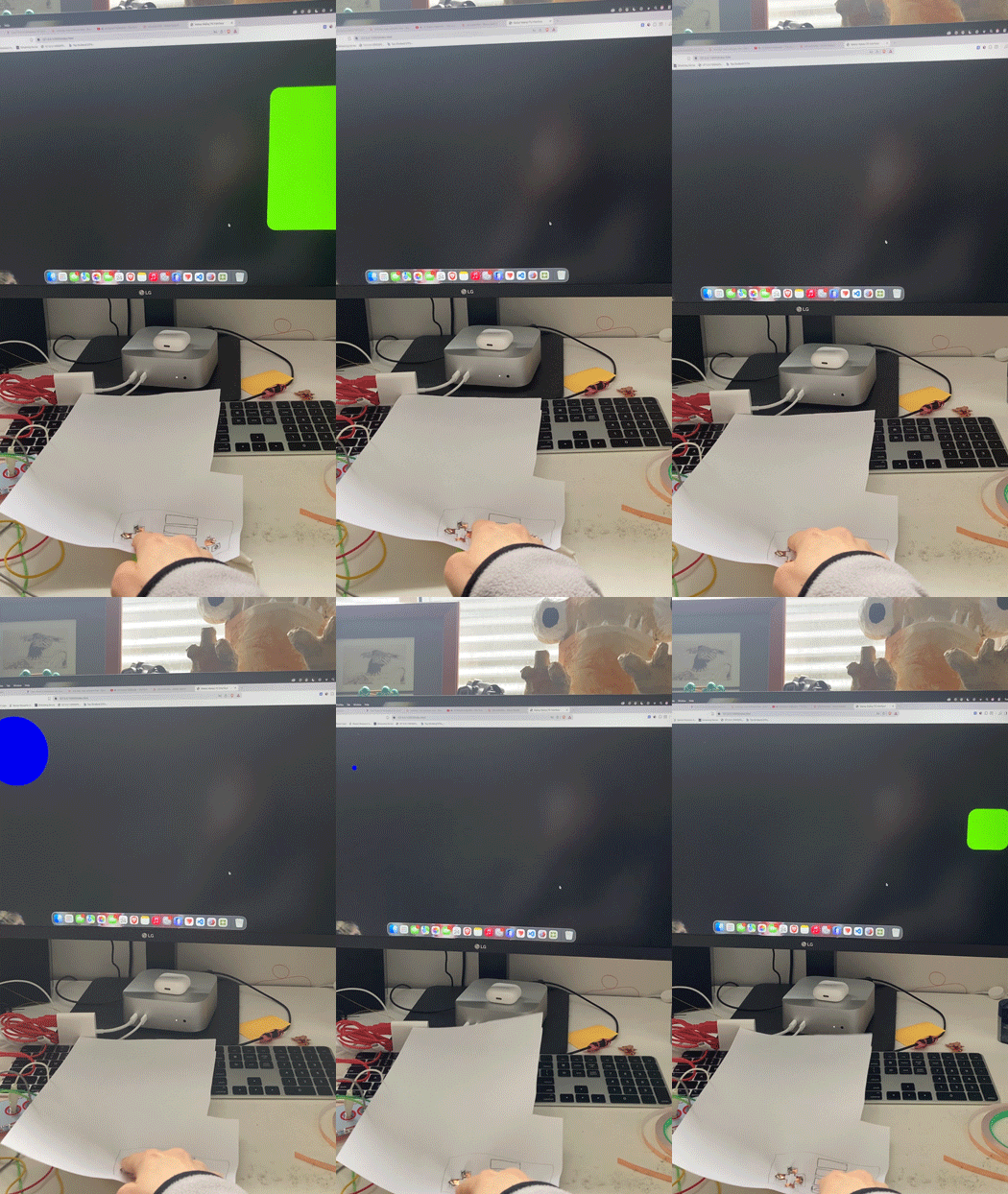
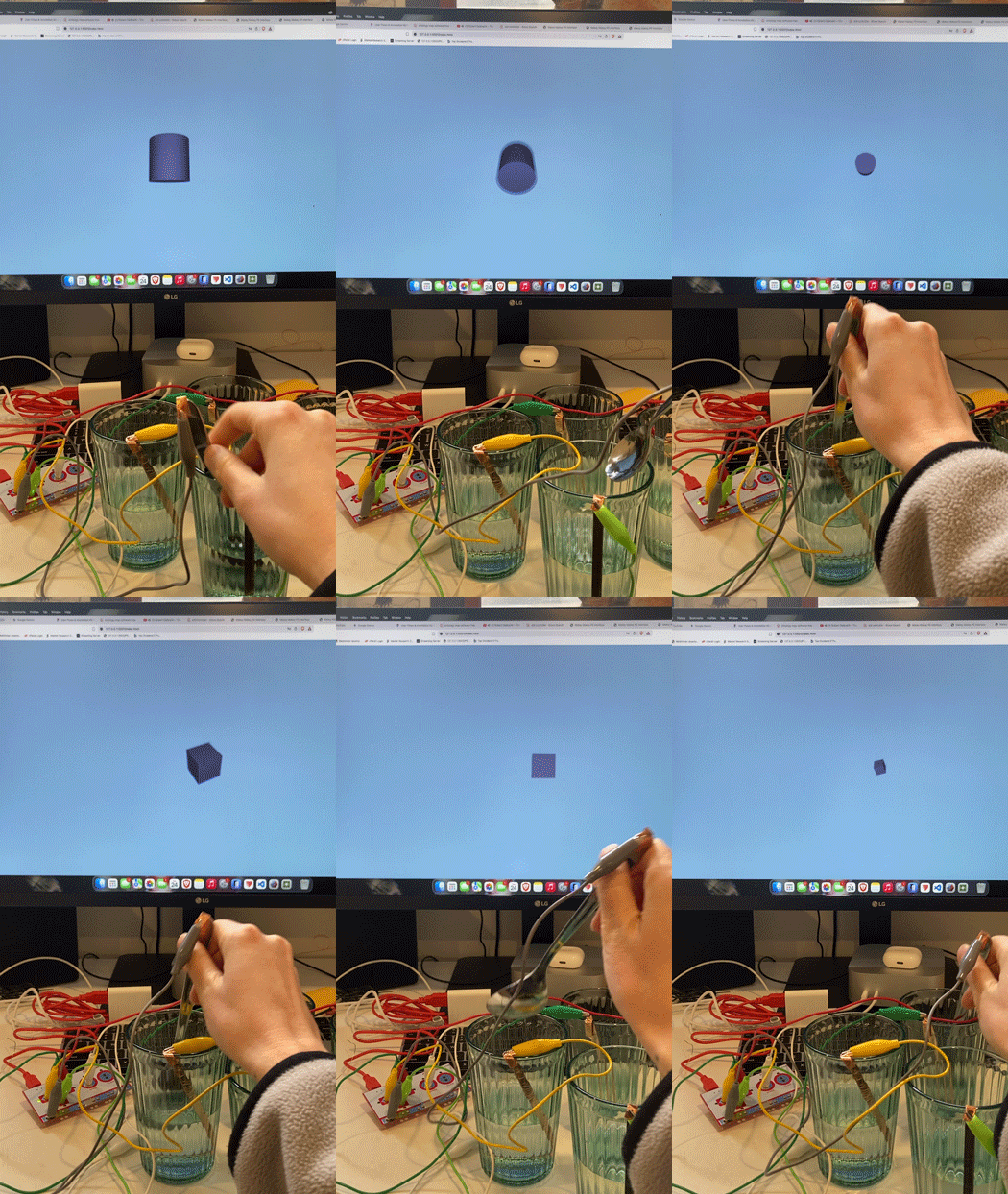
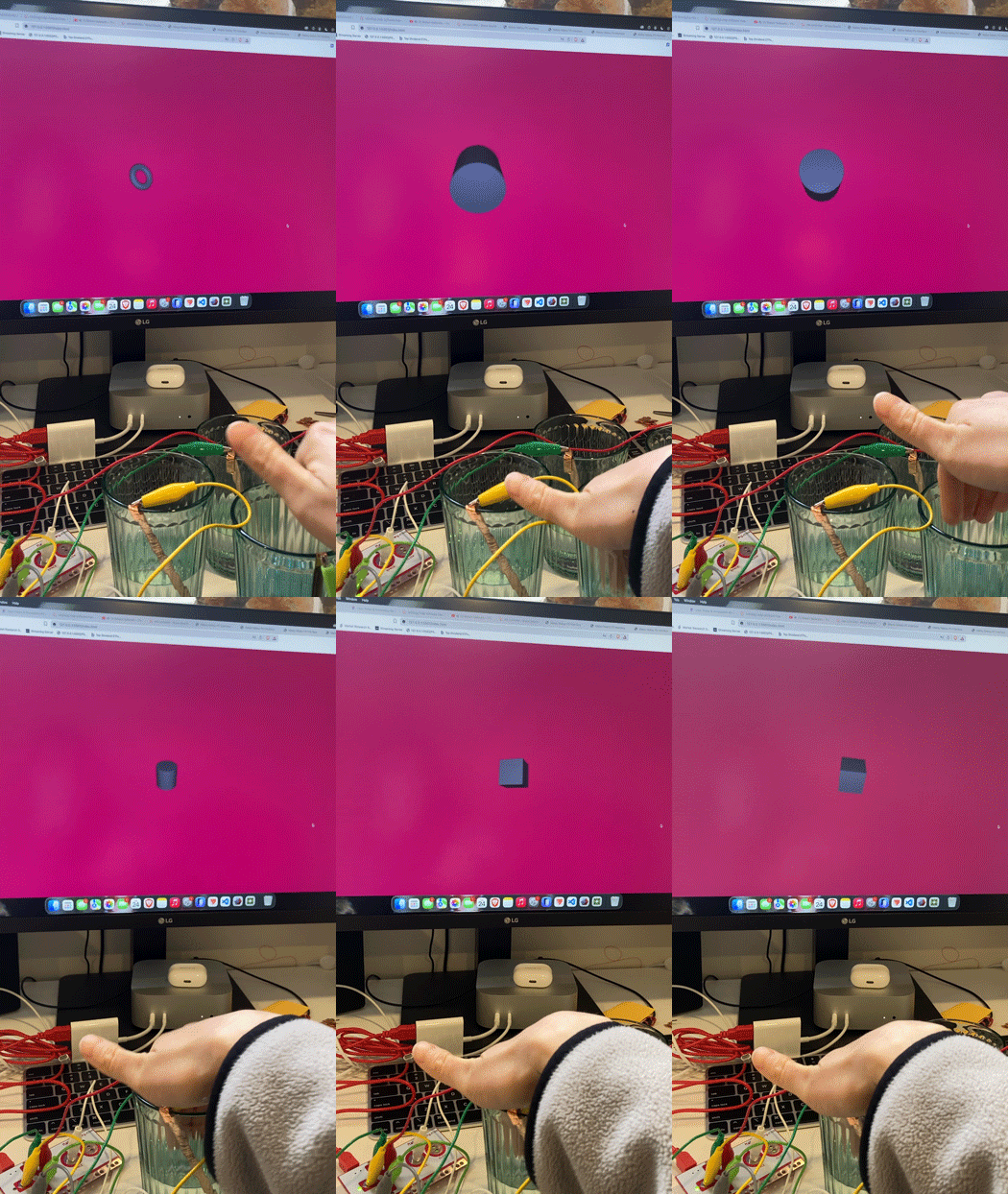
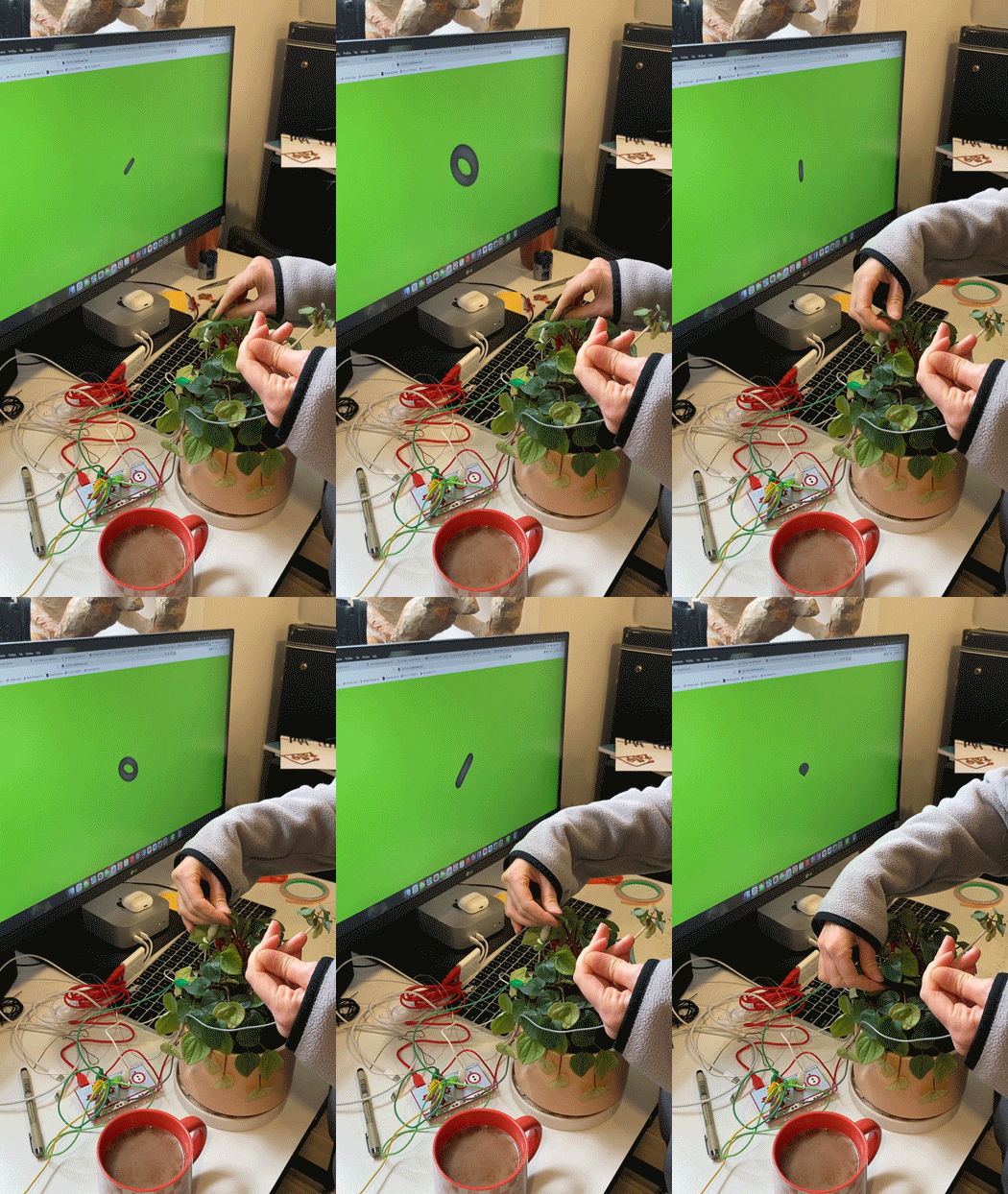
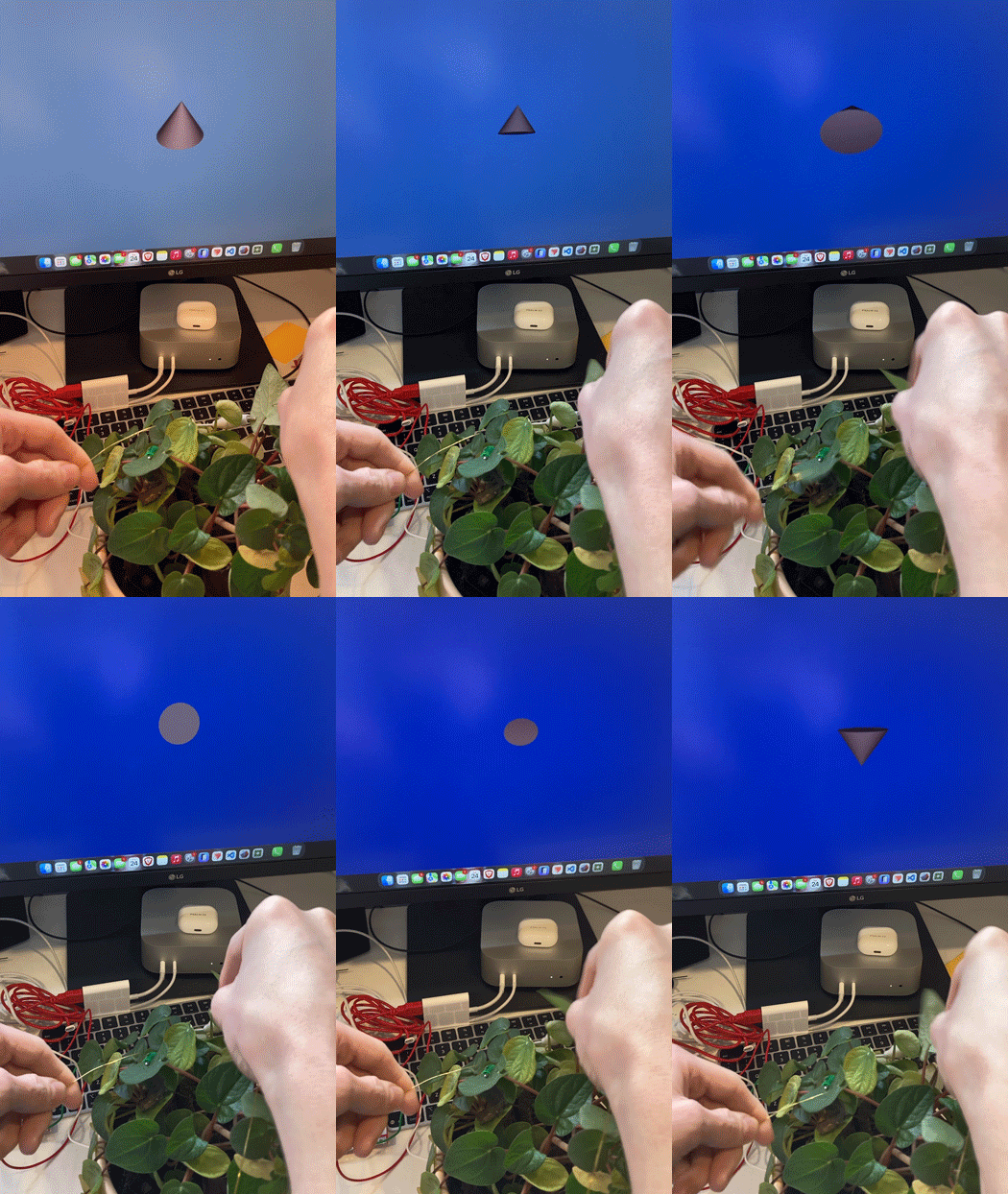
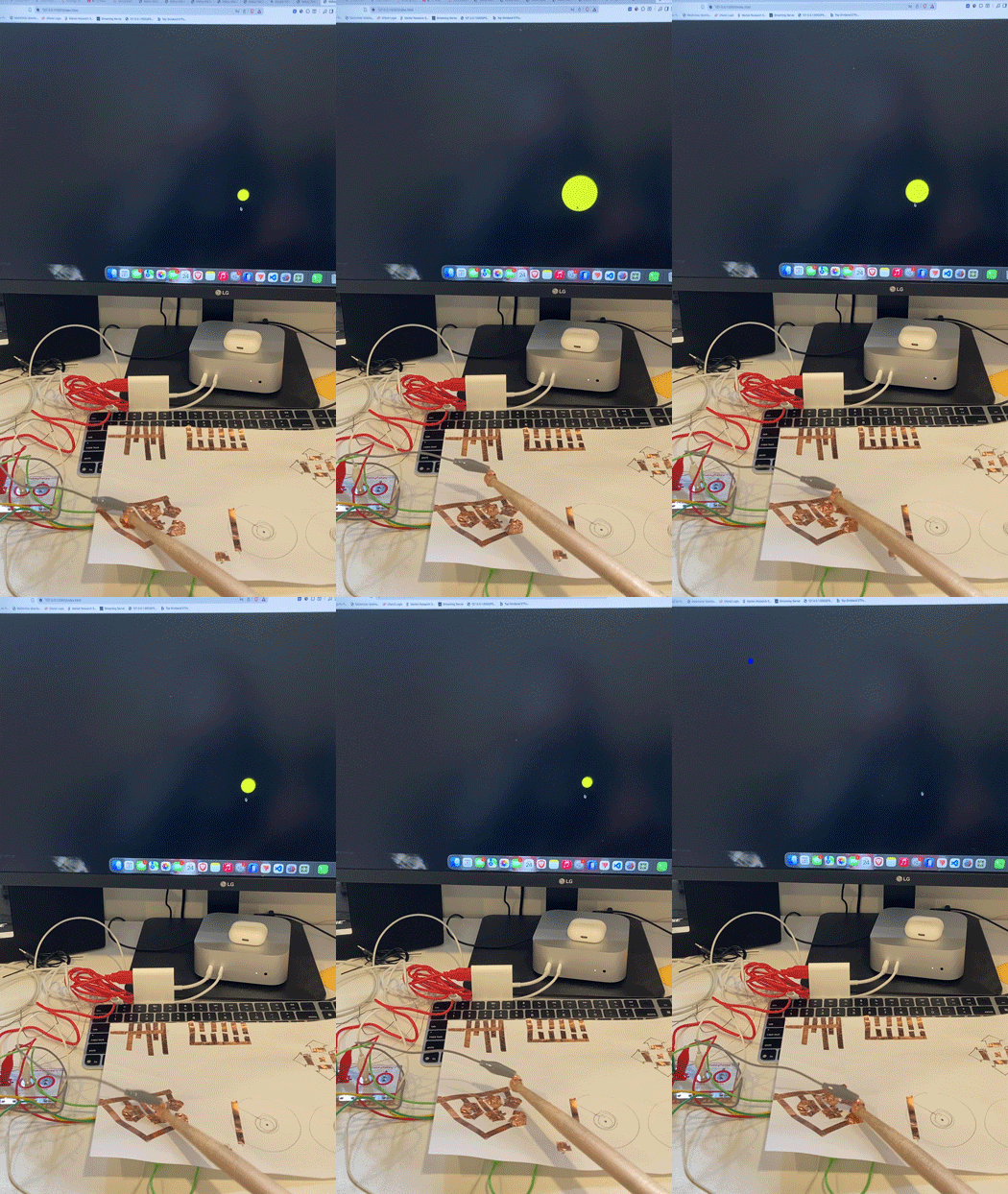
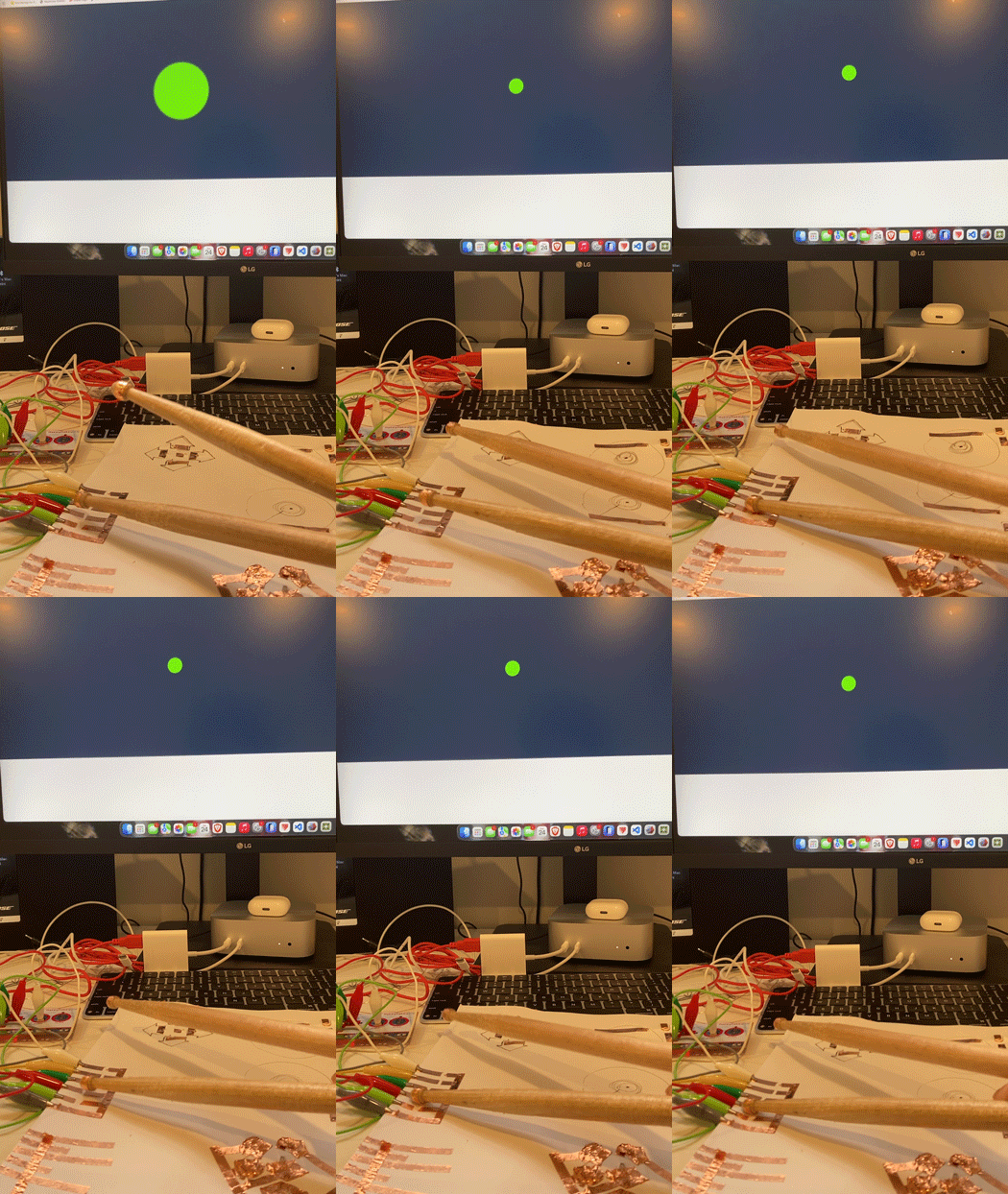
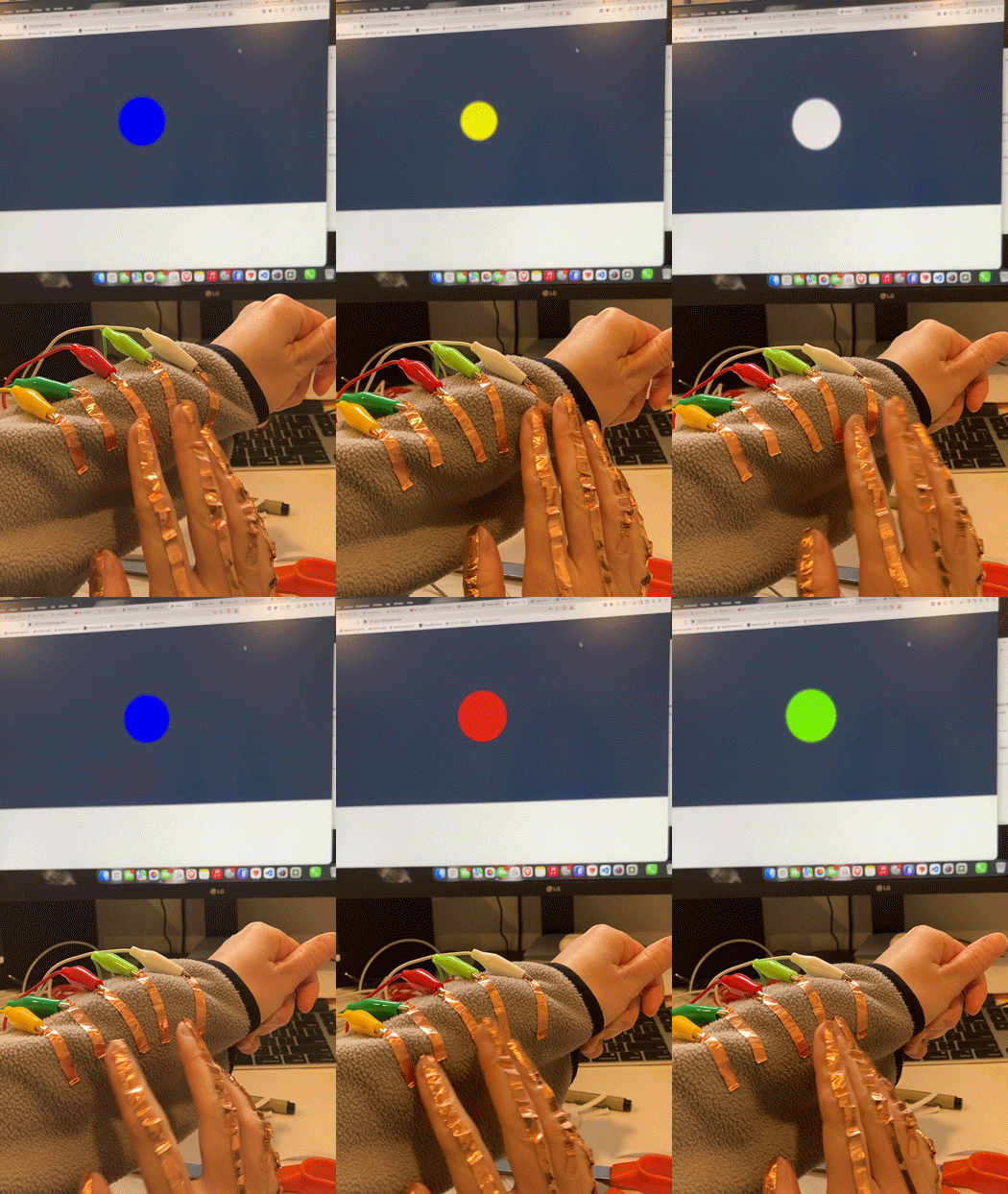
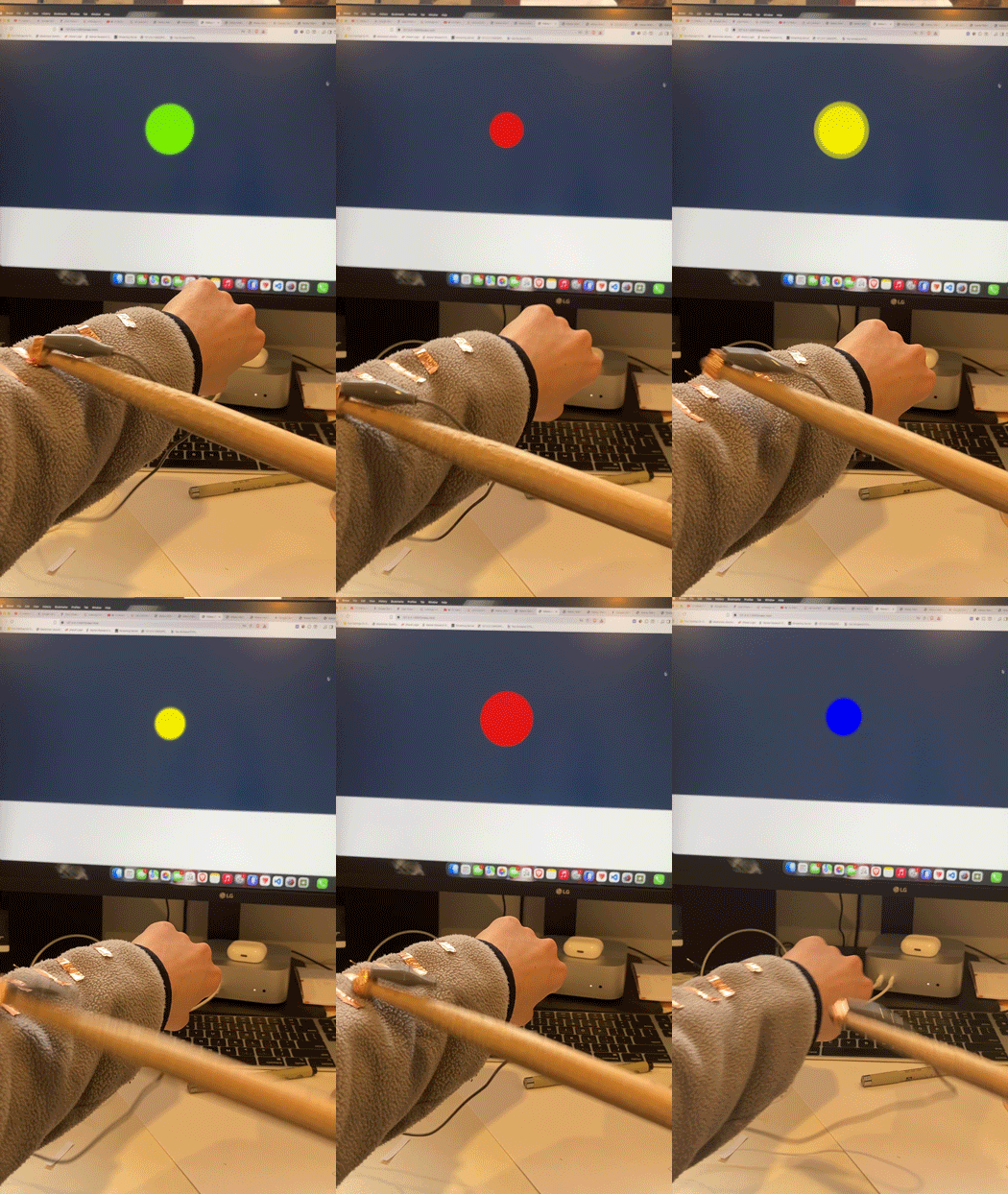
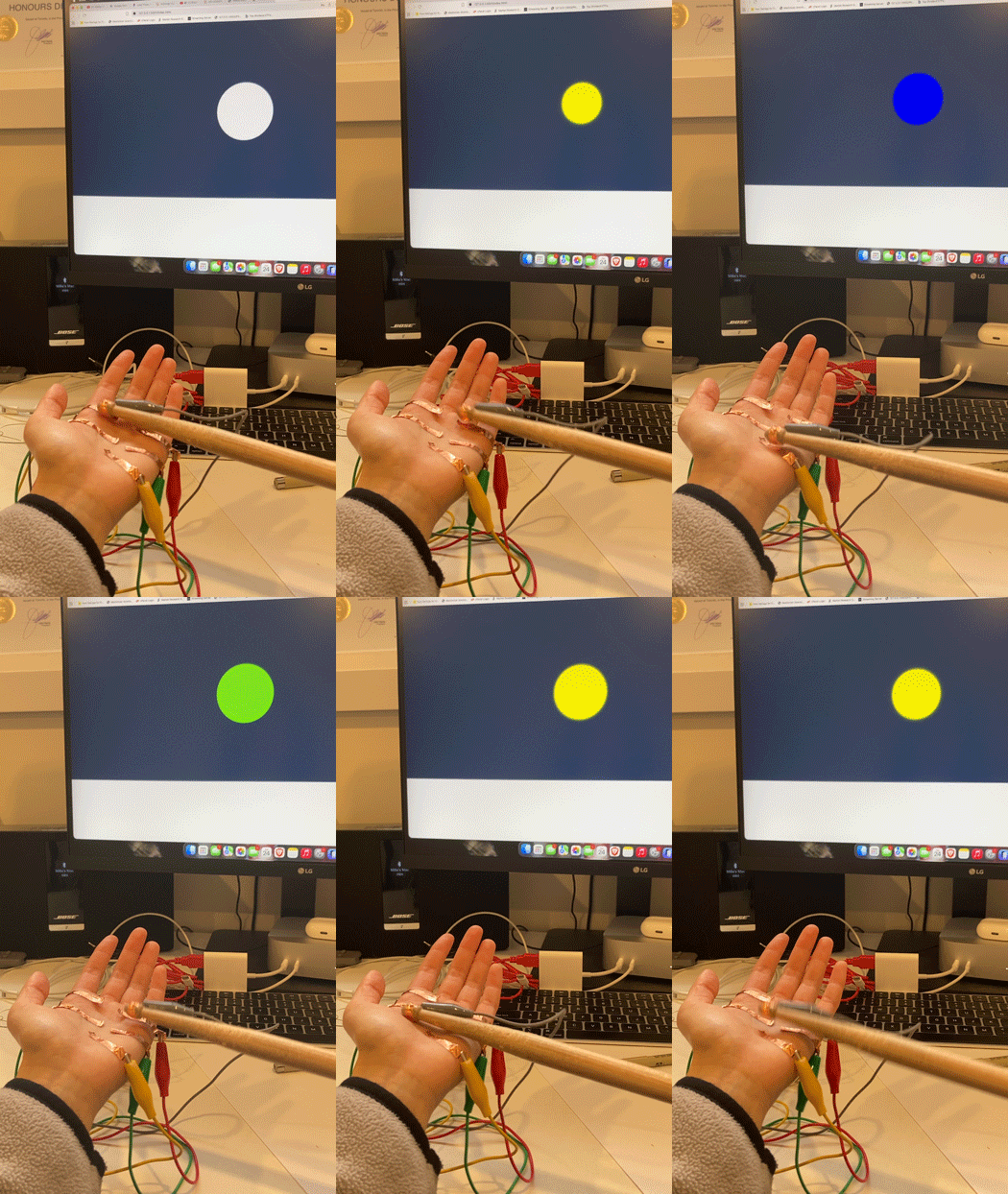
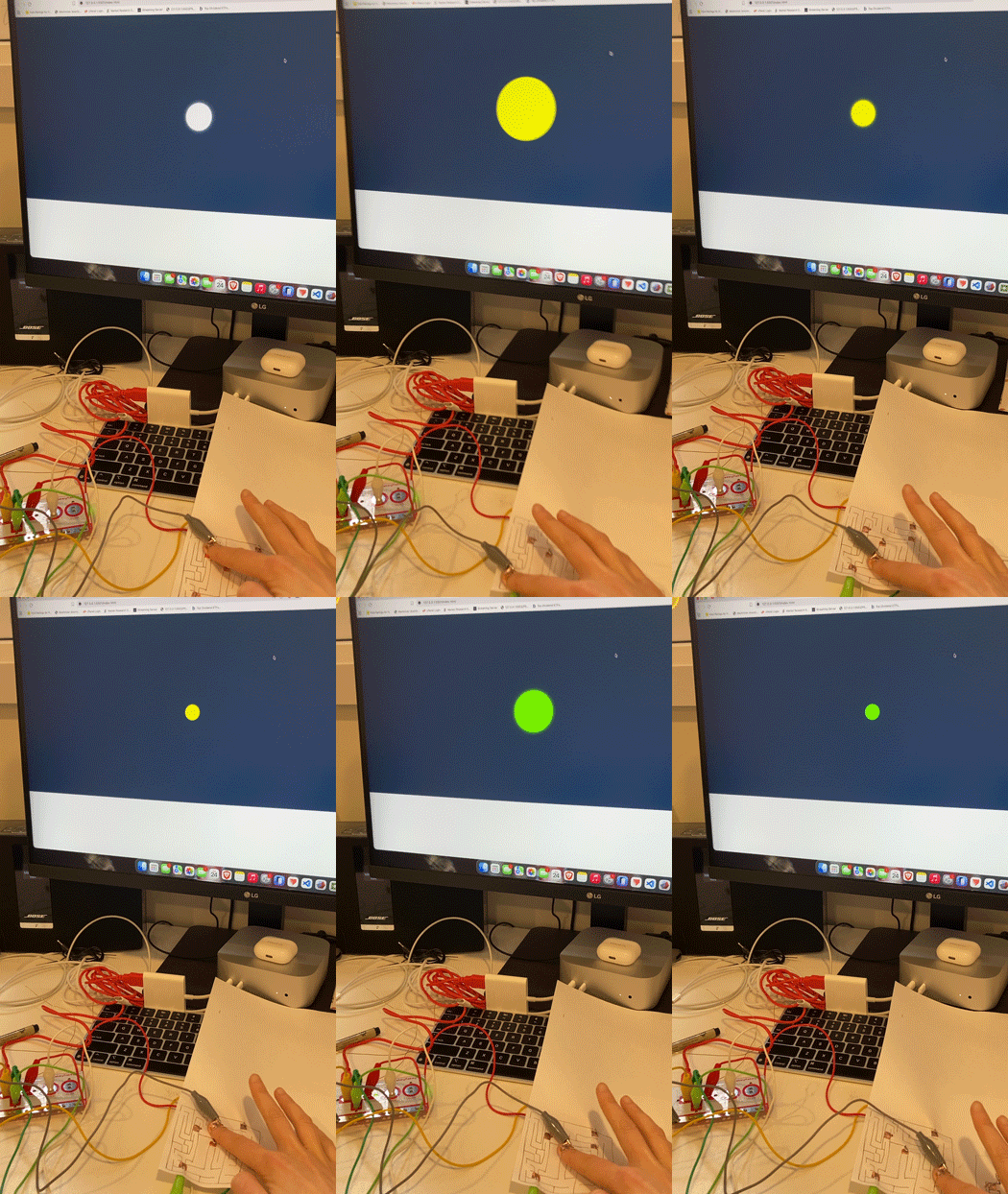
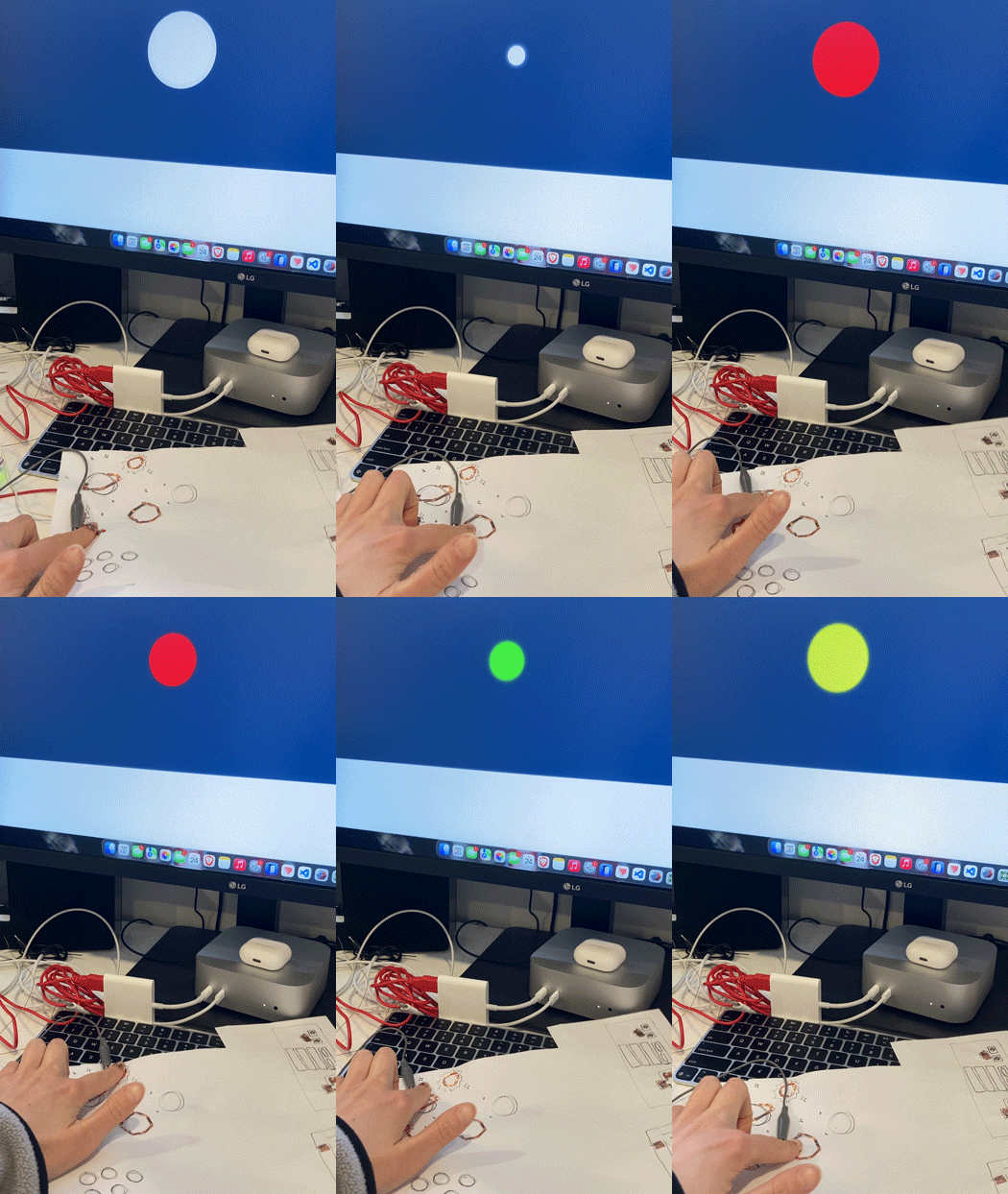
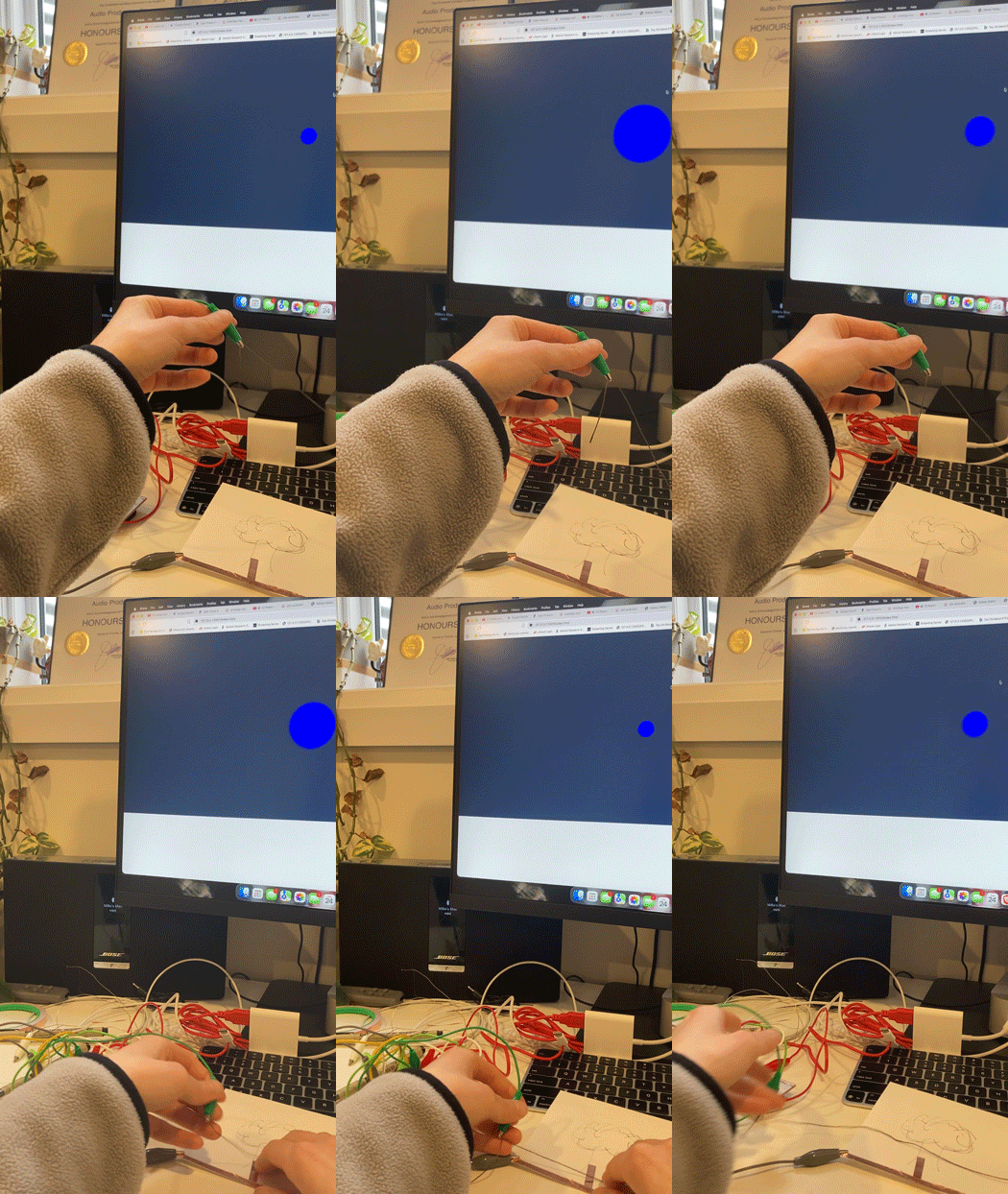
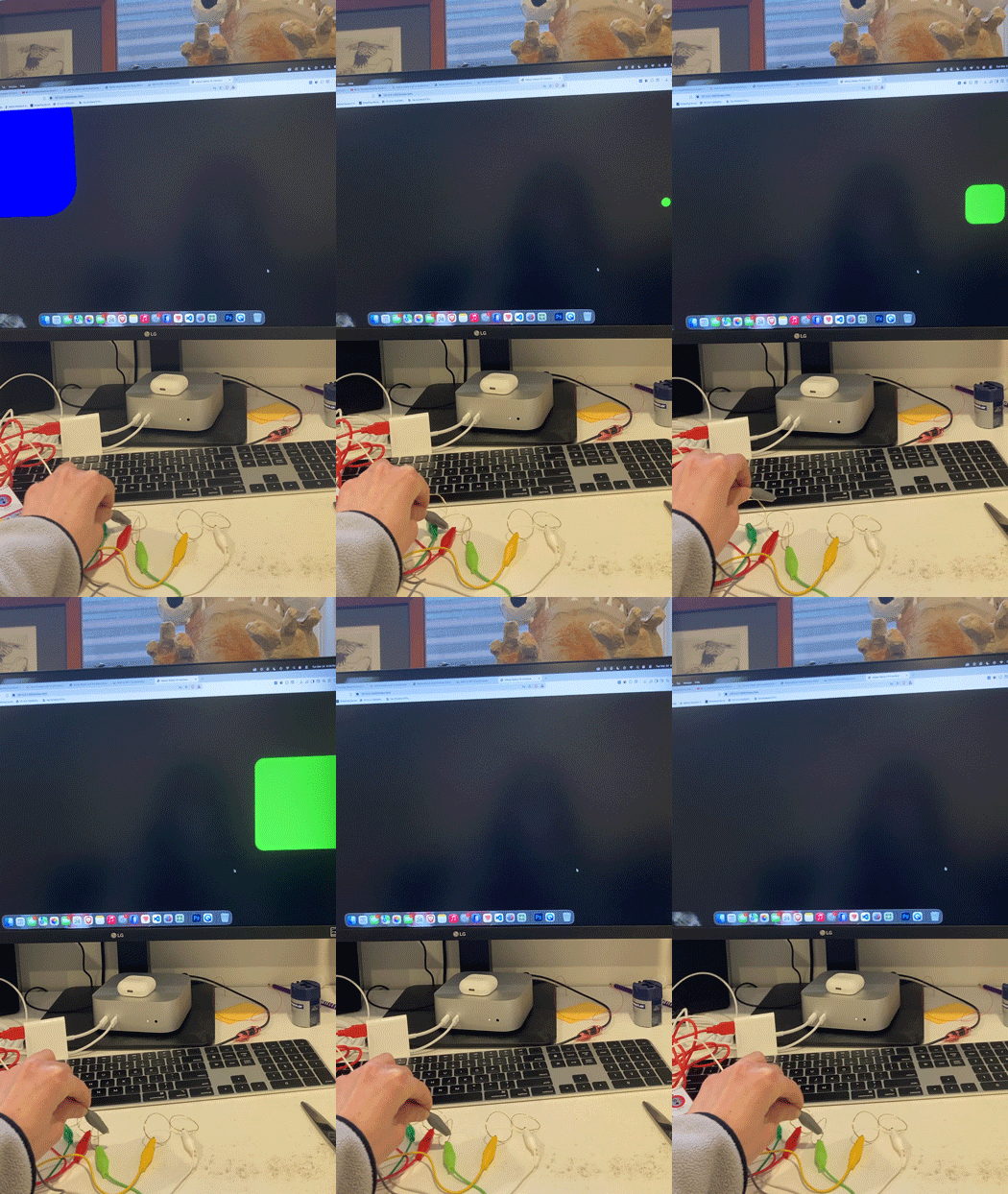
First exploration with the Makey Makey and p5.js. I wanted to start with something really basic. Creating a 'drum kit' using the Makey Makey, copper tape and copper wire. Variation of the the first video. Instead of putting the ground wire on my finger, I placed it on the paper and the pressure from my finger closes the circuit. I left gaps in between the tape, and the finger placements allowed for more accurate circuit closes. Drum kit with fingers instead of copper wire. Creating an interactive book inspired by children's books. Interactive book that changes when you put the copper tape into the pocket. Lining tape along the bottom of the book that grounds the circuit instead of having to attach it to my finger. Experimenting with potential designs for the final project. I created a game controller. Instead of having the ground wire on my finger, I've placed all the tape and wiring underneath the paper to reduce confusion and make it easier to use. Experimenting with the idea of how arrows and direction could be implemented. Using objects instead of paper. I experimented with different conductive materials. The tactile quality of feeling the water could lead to an interesting final design. Continuing with using physical objects, I attached alligator clips to plant leaves. I used a copper wire attached to the grounding alligator clip to 'drum' on the leaves. I found the underside was more conductive than the top. Creating a physical computed turntable. Using physical objects again: taking a drumstick to complete the 'drum' design. Using it on the previous circuit creating an other percussive instrument such as a xylephone or marimba. Experimenting with a wearable design. Using an object with a wearable. Creating a wearable on skin verses clothing. Using physical computing to create a game. Putting more effort into creating a creative canvas that could match what's happening on the screen. Reviewing the book and using conductive thread in the 'book' instead of alligator clips. Forming the materials into different shapes to experiment with.

Project 3


Final Project 3 Design

PLACEHOLDER TEXT, replace this with an actual description
test2Lorem ipsum dolor sit amet, consectetur adipiscing elit
×

Powered by w3.css